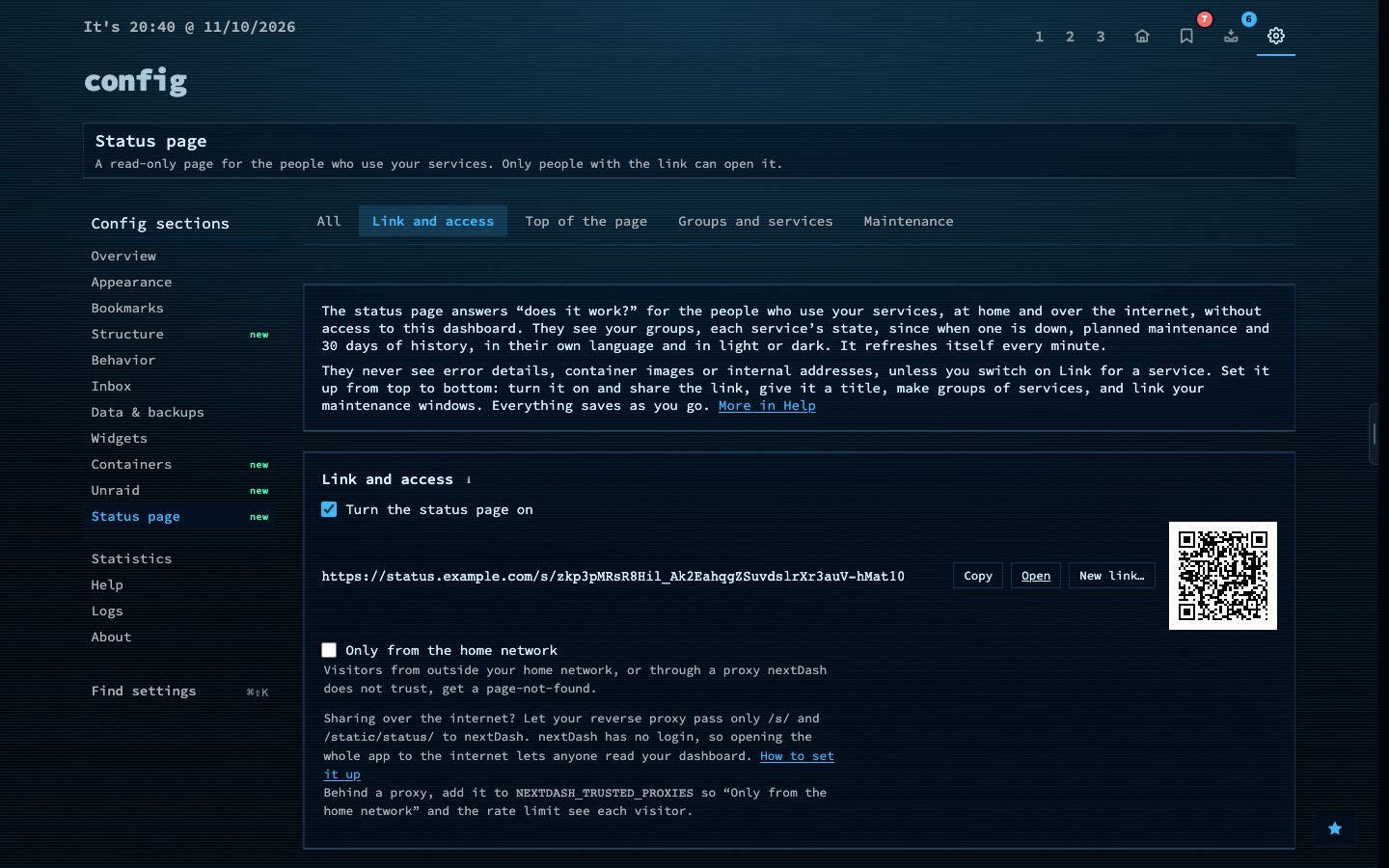
A status page shows the people who use your services whether they are working, without giving them a login or a view of your dashboard. It is a read-only page behind a secret link, set up under Config, then Status page.
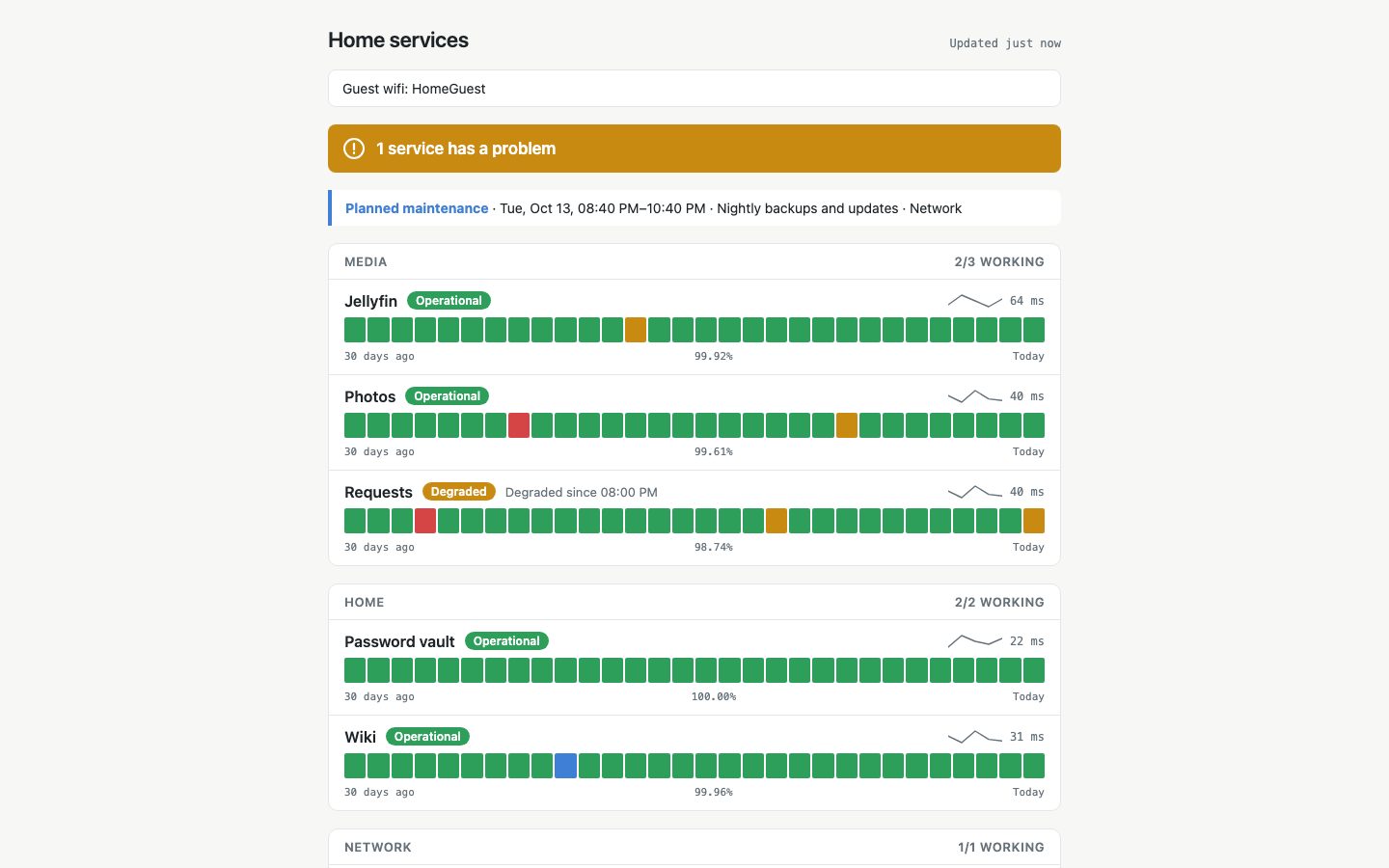
It shows an overall line, a banner for planned maintenance and your services in groups. Each service has its state, since when it has been down, 30 daily bars, its response time and its uptime. The visitor’s device picks the language and light or dark, the page refreshes every minute and it pauses while the tab is hidden. It never shows error details, container images or internal addresses, unless you switch Link on for a service.
Try it
- Open Config and choose Status page.
- Pick the services to show and put them in groups.
- Copy the link, or scan the QR code, and share it.