visitor@nextdash: ~/pages — Find – nextDash 22 posts

nextDash

Latest version on GitHub is v1.17.5

Your bookmarks. Your terminal. Your rules.

visitor@nextdash:~/pages$ less find.md

-rw-r--r-- find.md

Find

Search bookmarks, tags and commands from one box.

  • > Open search
  • / Browse and filter by tag
  • CtrlEnter Open the result in a new tab
  • ShiftF Filter the current page in place
  • t Filter to the focused bookmark's tag

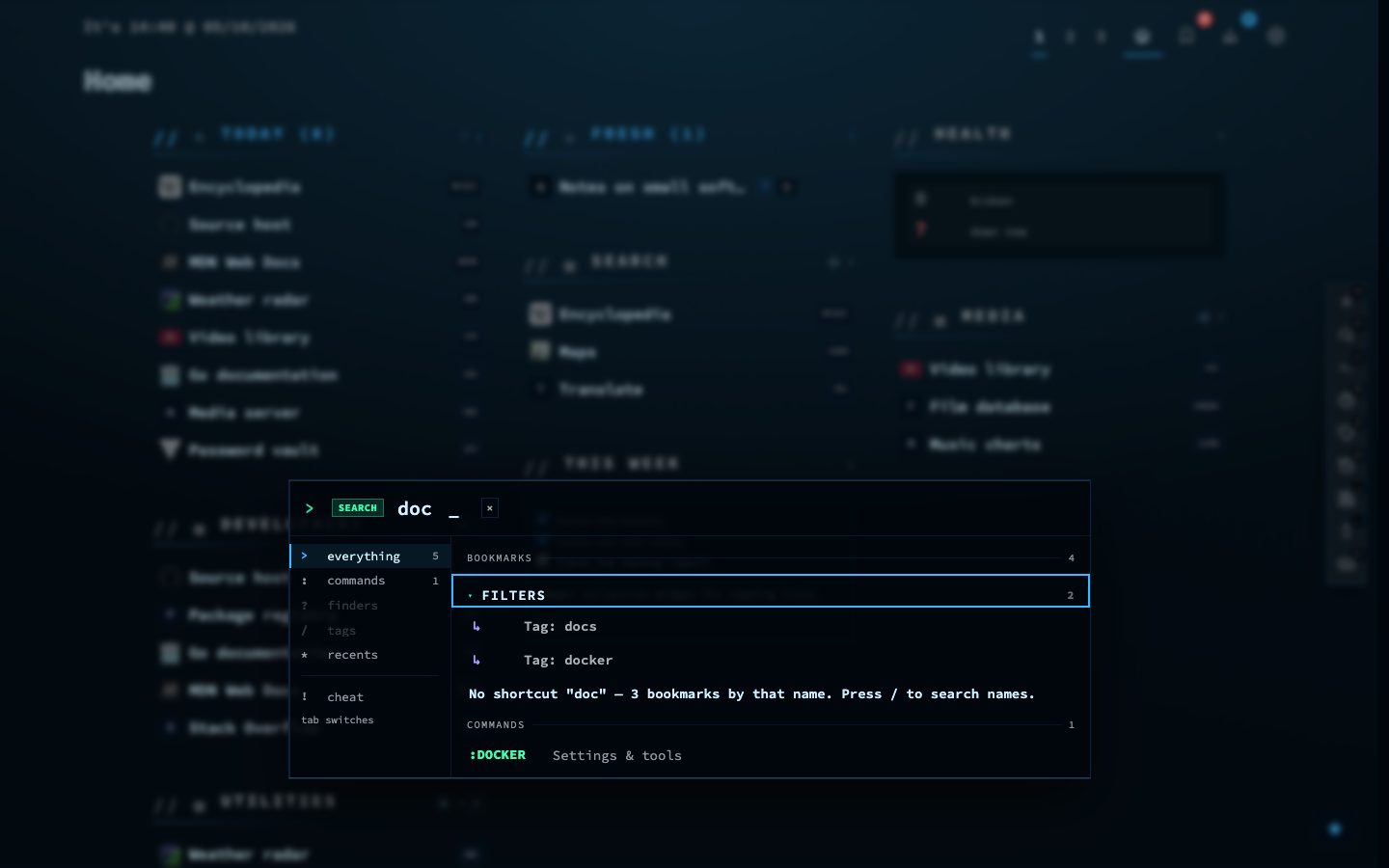
Search finds a bookmark as you type, and it also runs commands, so the same box takes you to a page, a view or a setting.

Tags give you a second way in: pick one and the grid narrows to what carries it.

Try it

  1. Press > and type a few letters of a bookmark name.
  2. Move through the results with the arrow keys and press Enter.
  3. Press / to browse by tag instead.
Search results in nextDash
Type after the prompt and the results follow along.
● online uptime 68d 22 posts utf-8 wp 7.1.3