visitor@nextdash: ~/pages — Keys – nextDash 22 posts

nextDash

Latest version on GitHub is v1.17.5

Your bookmarks. Your terminal. Your rules.

visitor@nextdash:~/pages$ less keys.md

-rw-r--r-- keys.md

Keys

Run your whole start page from the keyboard.

  • Shift1 Open the keyboard cheat sheet
  • > Search bookmarks and commands
  • & Quick-add a bookmark in one line
  • ShiftB New bookmark from anywhere
  • ShiftF Filter the page you are on
  • ShiftP Pin or unpin a bookmark
  • G1 Jump to the first category

nextDash is built to be driven from the keyboard. Almost everything you do with a bookmark, a category or a page has a key, so you rarely need the mouse.

You do not have to memorise them. The cheat sheet lists every shortcut for the view you are in, and it is one key away.

Try it

  1. Open nextDash and press Shift + 1 to open the cheat sheet.
  2. Close it with Esc, then press Shift + B to add a bookmark.
  3. Use the arrow keys, or j and k, to move through your bookmarks and Enter to open one.
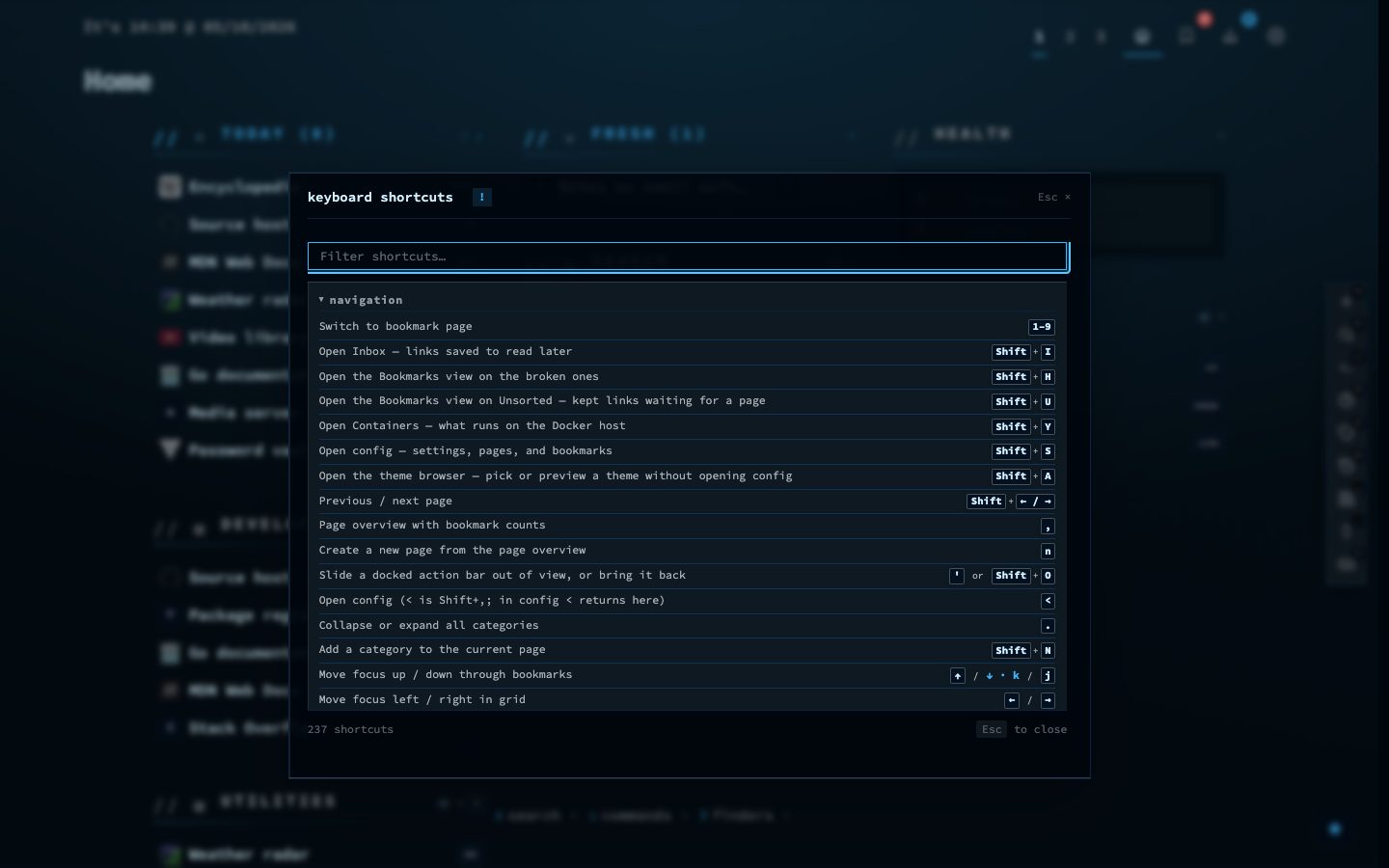
The keyboard cheat sheet in nextDash
The cheat sheet lists every shortcut for the view you are in.
● online uptime 68d 22 posts utf-8 wp 7.1.3