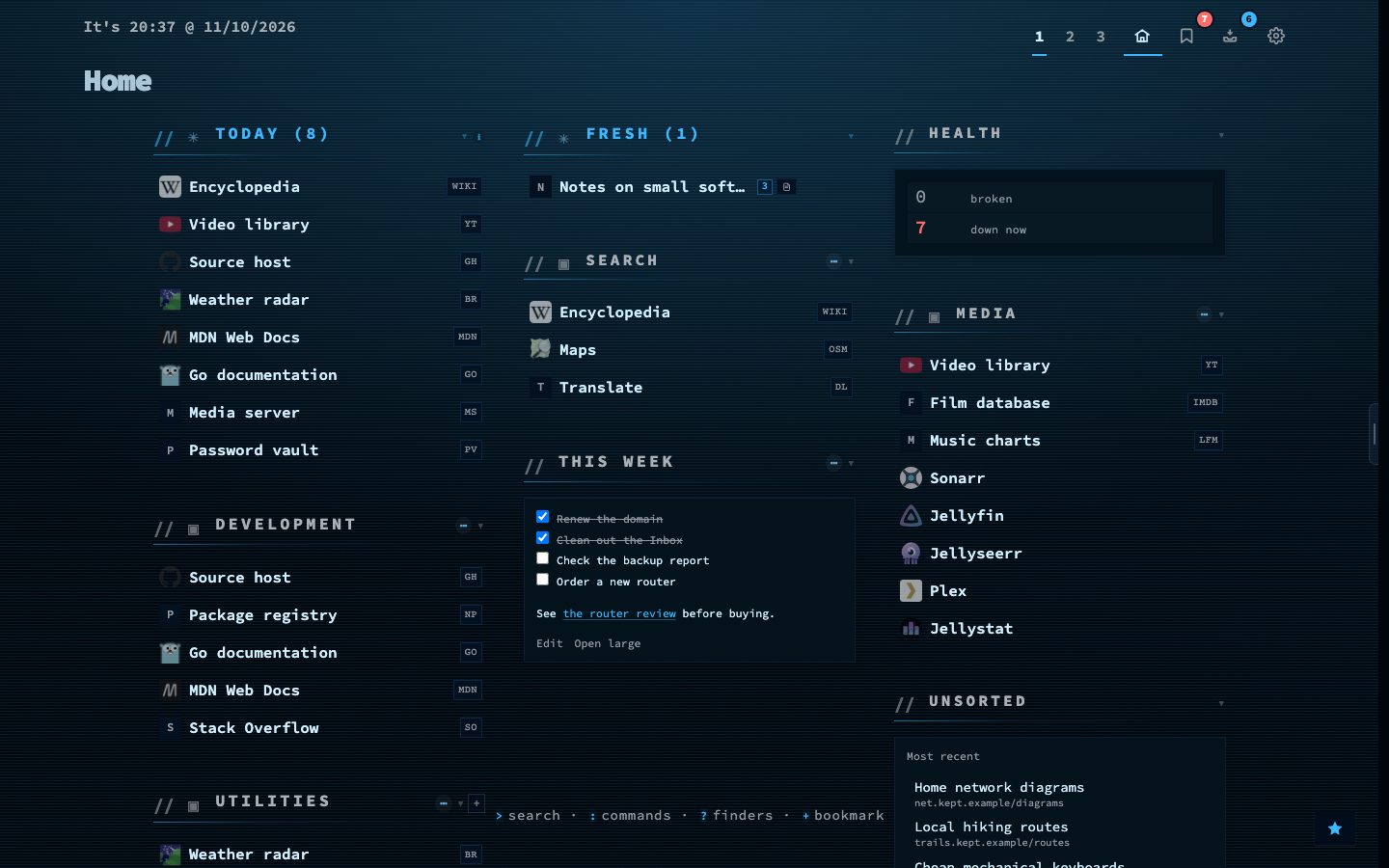
Containers and bookmarks to self-hosted apps get real app icons from two open icon sets, dashboard-icons and selfh.st/icons. A container is matched by its image and name, a bookmark by its host. The icon follows the theme between its light and dark variant.
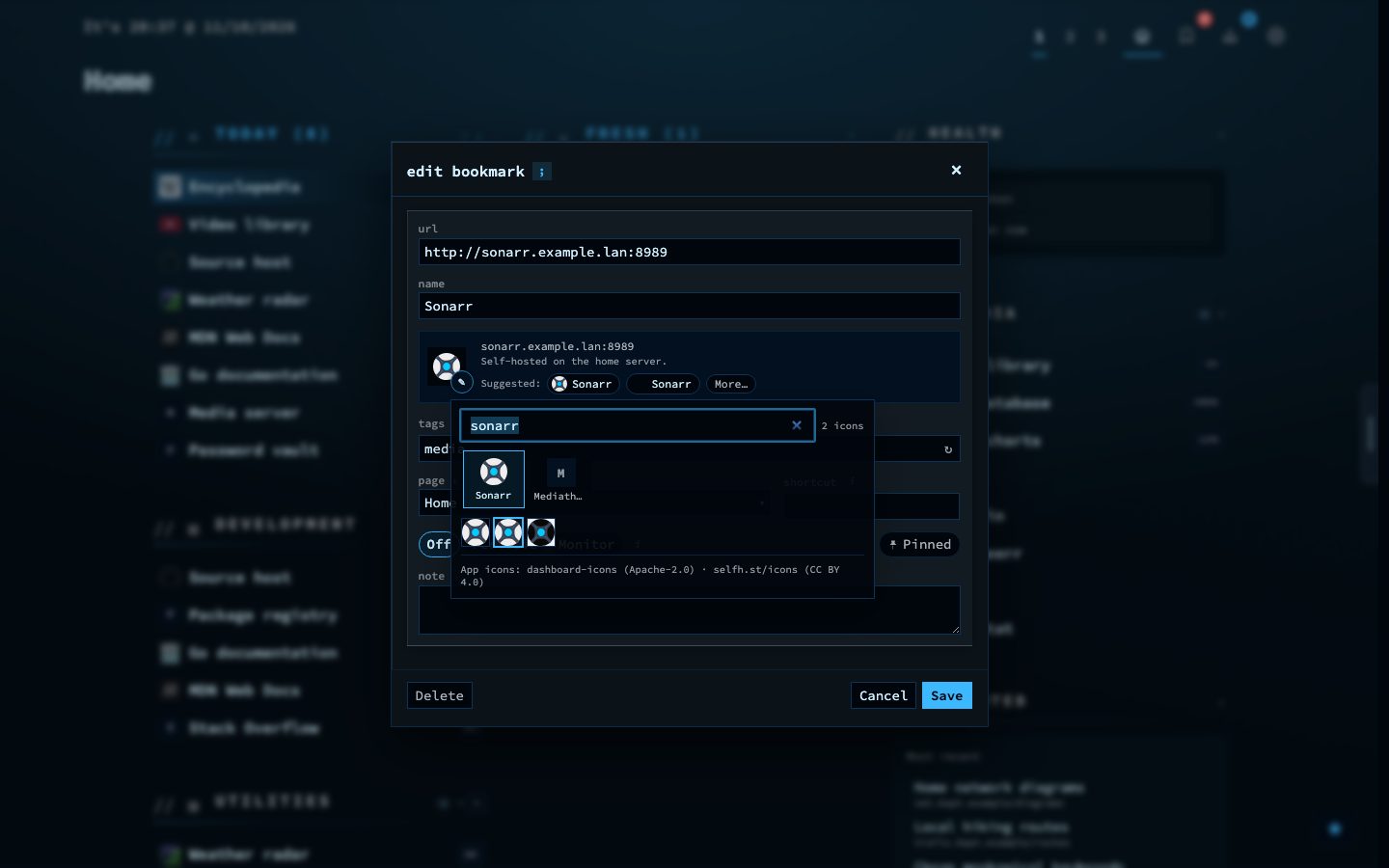
An icon picker with suggestions sits behind the pencil in the bookmark form and in the container drawer. Nothing is bundled: the server fetches the indexes and the icons, and your browser never talks to the icon network.
Try it
- Open a bookmark and click the pencil next to its icon.
- Pick one of the suggestions, or search by name.
- Use the arrow keys to move over the grid and Enter to choose.