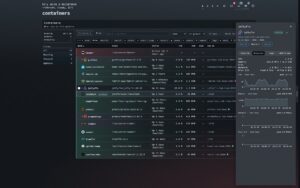
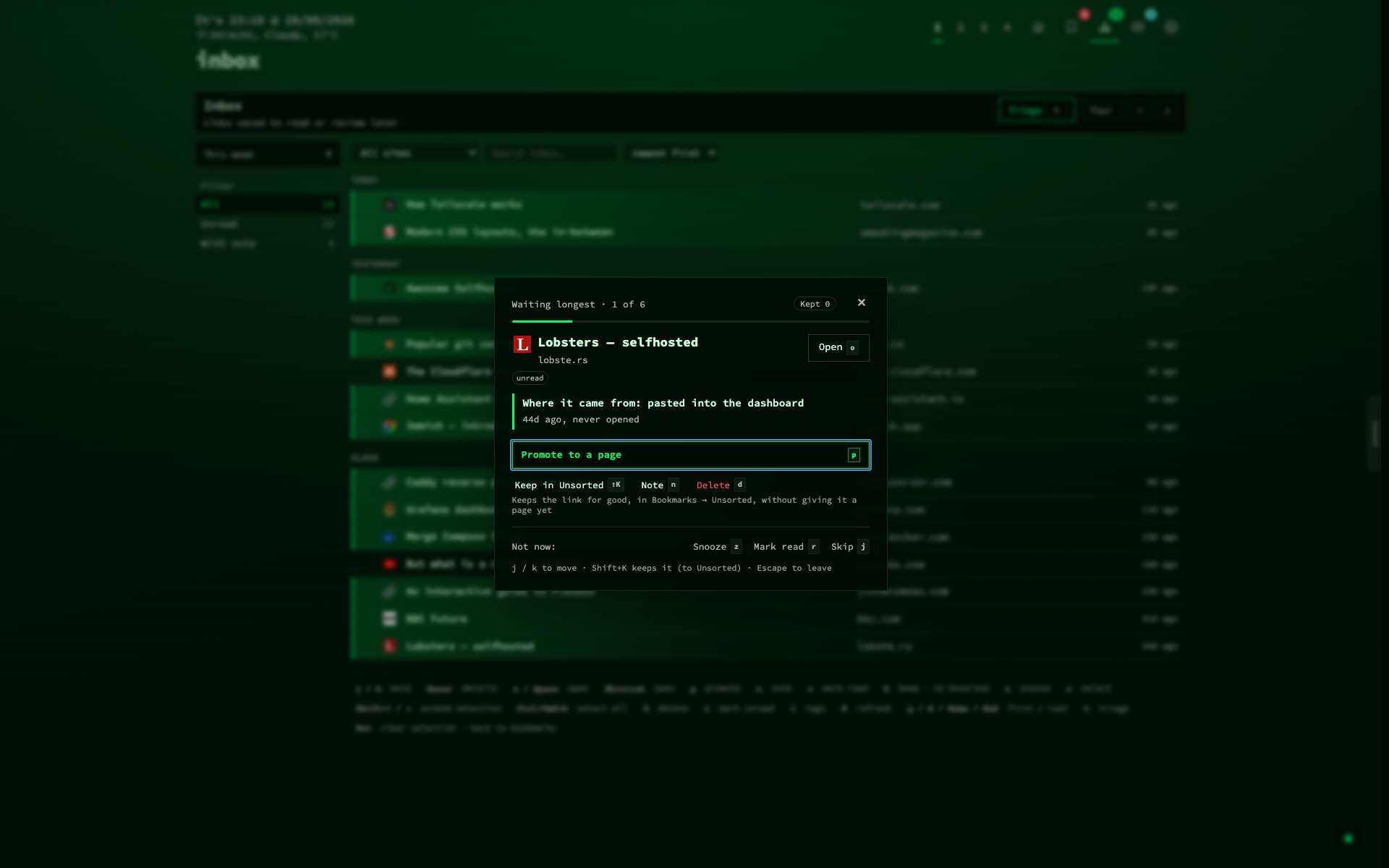
Your full bookmark list lived in Config, health had a view of its own, and the inbox had a third layout. In v1.15.0 they share one shape: a rail on the left, one-line rows in the middle, a side panel on the right. The Docker host nextDash runs on gets that same shape as a new Containers view.
Source and downloads: github.com/jordibrouwer/nextdash — release notes: v1.15.0 on GitHub
One collection, one view
The Bookmarks view opens from the header icon or #bookmarks. Each row carries tags, shortcut, a health score and 30 days of opens, coloured by how the link is doing. The side panel has three tabs — Details, Health, Usage — on 1 2 3, and Details saves as you type. Group by page, category, site, status or tag.
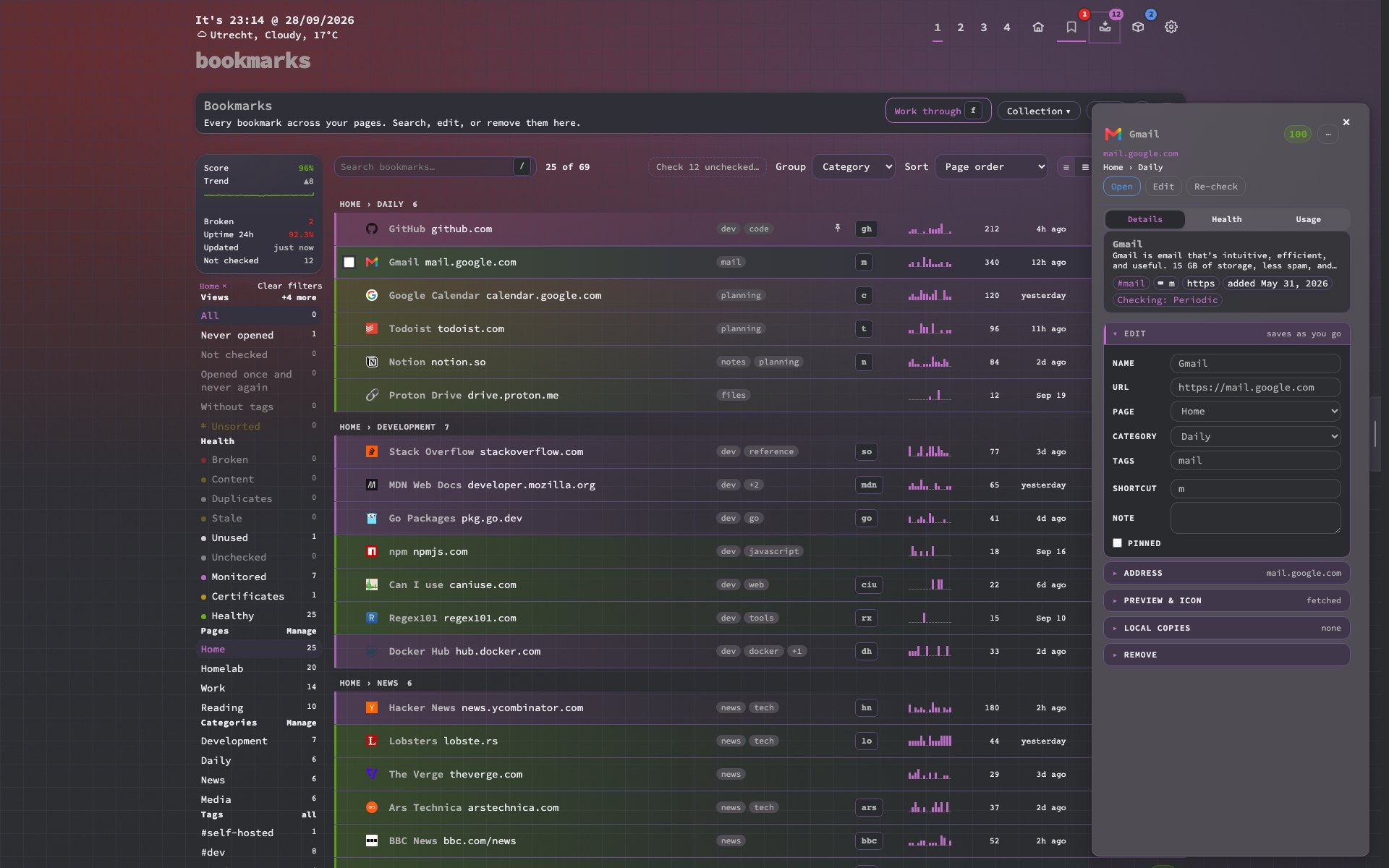
The standalone Health view is gone. #health lands here, with its filters, bulk actions and duplicates. h opens Collection health; Shift + H shows one bookmark’s health in large, with every check of up to 90 days and a CSV export.
Start from a pile
Work through used to walk the list top to bottom. Now you pick a pile first — broken, changed, stale, never opened — and each card says why the bookmark is there, with one main step. y keeps it for good, z snoozes 30 days, and the end of a pile counts what you did.
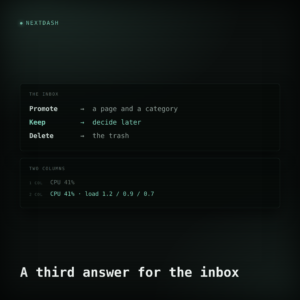
Inbox triage works the same way: waiting longest, new this week, or with a note, and Promote to a page is the main step. The Kept tab is gone — kept links wait in Bookmarks → Unsorted.
Containers
Mount the Docker socket and #docker lists every container with a status glow, its ports and a link to its web UI. The panel shows details, logs, an hour of CPU and memory, and the release notes you have not installed yet. Update checks ask the registry which digest a tag points at, on request or every 6, 12 or 24 hours.
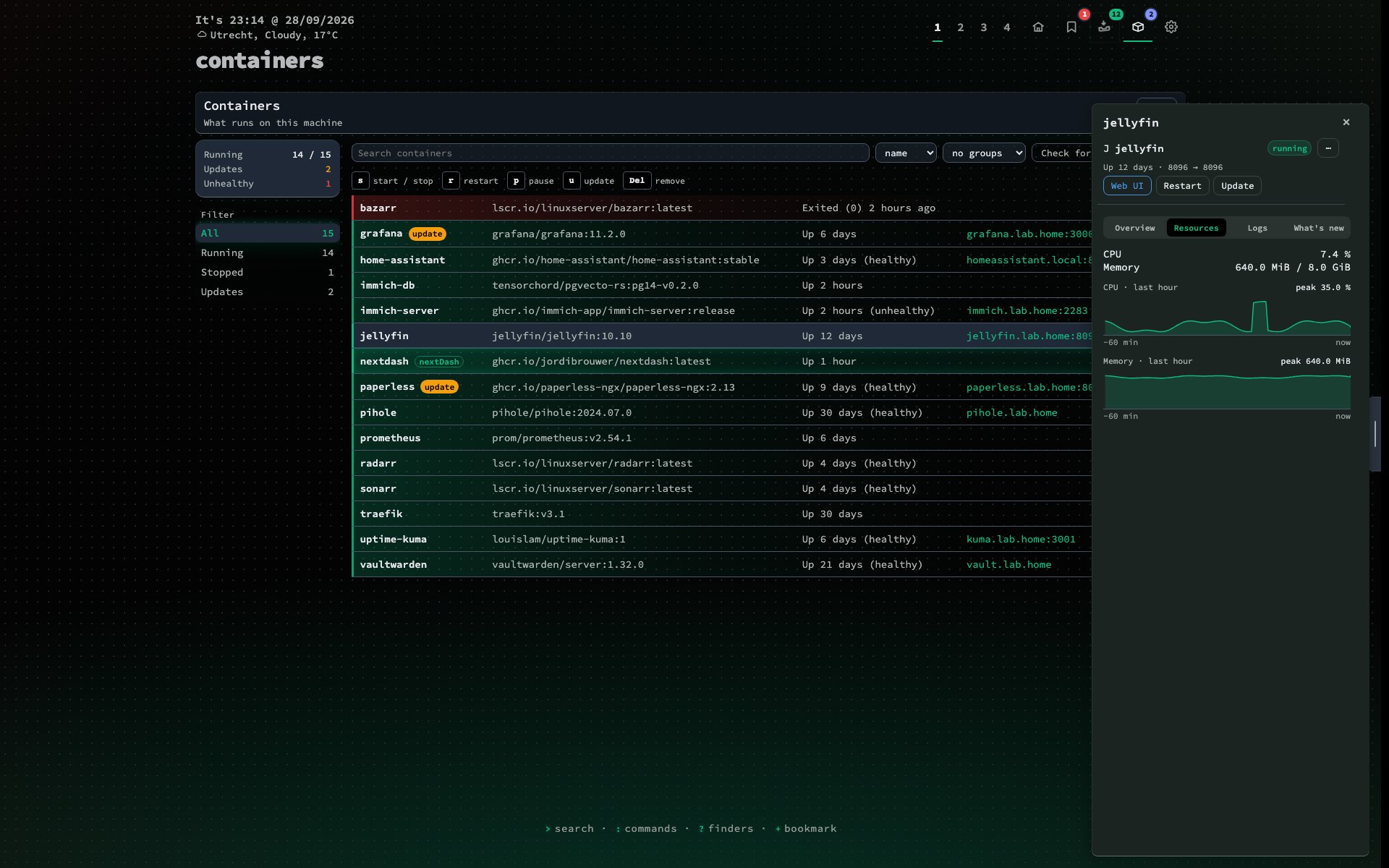
Actions are off by default. A writable socket is root on your host, so start, stop, update and remove need you to say so:
NEXTDASH_DOCKER_SOCKET=/var/run/docker.sock
NEXTDASH_DOCKER_CONTROL=1
NEXTDASH_WRITE_TOKEN=a-long-random-string
The token keeps other sites out; it is not a login. Keep nextDash behind Tailscale or a proxy with authentication. nextDash refuses to stop or update its own container, and update and remove always ask.
Smaller changes
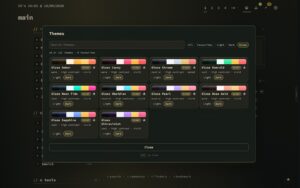
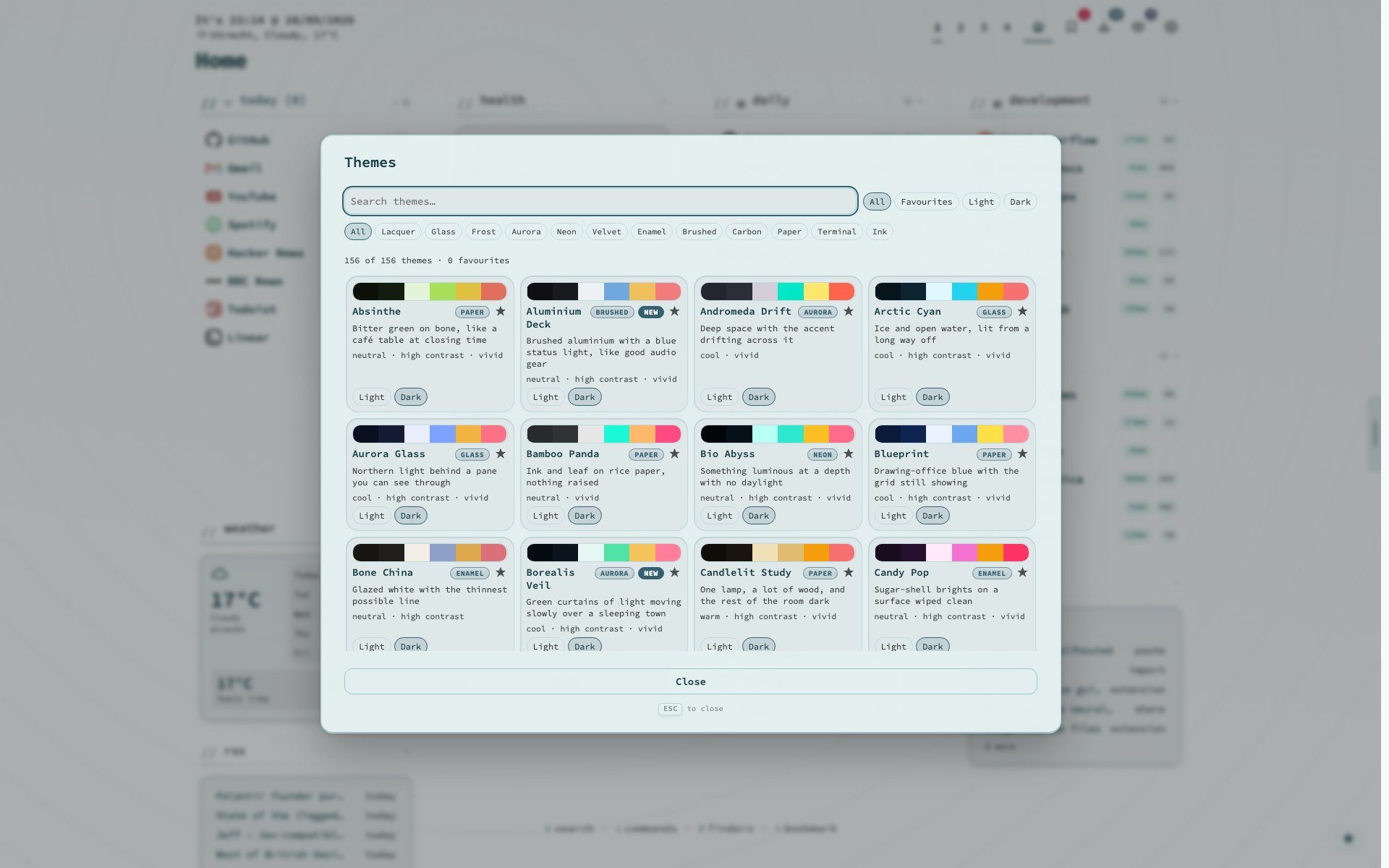
- 34 new theme families, each light and dark: 310 themes. Type
newin the theme browser to find them. - Statistics has five tabs and a Needs attention list. The chart axes were wrong; they are fixed.
- A Container list widget, and > : ? * open search from every view.
Upgrading
docker pull ghcr.io/jordibrouwer/nextdash:latest
# or
docker pull foobar1452/nextdash:latest
Unraid users: update the container from the Docker tab; the template gained the Docker actions and Run as root settings, both off. Compose users: keep your own settings in docker-compose.override.yml.
Previously: a theme is a material, not just a palette