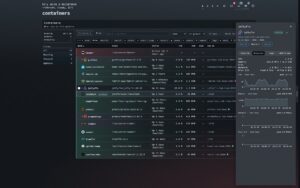
A theme in nextDash was thirteen colours. Nothing in it said whether those colours belonged on lacquer, on paper or on a terminal, so 218 of the 242 built-in themes were drawn flat and matte whatever their palette suggested. In v1.13.3 every theme also names a character, and brings the surfaces it was drawn for along with it.
Source and downloads: github.com/jordibrouwer/nextdash — release notes: v1.13.3 on GitHub
Twelve characters
Lacquer, Glass, Frost, Aurora, Neon, Velvet, Enamel, Brushed, Carbon, Paper, Terminal, Ink. Each is an archetype that fills in the nine surface fields a theme leaves blank: how much light sits on a panel, how far a colour carries around it, how sharp its corners are, whether there is a grain.
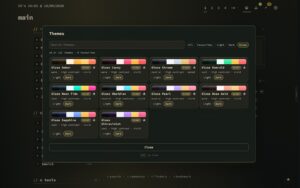
One palette, four characters: the same four colours, drawn on four materials.
A field a theme states for itself still wins, so the 24 themes that already carried character are untouched. Every family also gained one line saying what it is like to sit in front of — Ink and leaf on rice paper, nothing raised — and the browser searches those lines, in your own language as well as the bare word.
Surfaces belong to the theme now
Depth, Glow and the new Effects start on Follow the theme. Change one while following and the change belongs to the theme on screen: switch away, come back, and it is still there, while every other theme keeps its own. Use these for every theme holds the three across the install instead, which is how every version before this worked.
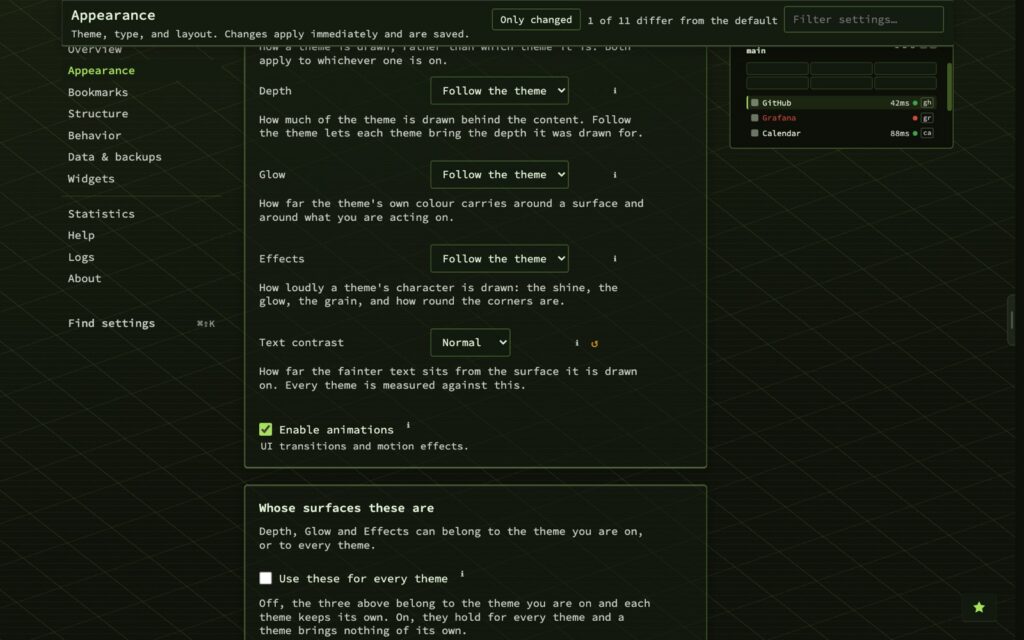
Effects — off, held back, full — decides how loudly a character is drawn: the shine, the glow, the grain, how round the corners are. Off is genuinely off, because every character token multiplies by it. Depth gained Vivid, a rung above rich where the archetypes open all the way, and Back to the theme’s own undoes whatever you did to the theme in front of you.
The Surfaces panel had quietly grown to seven fields against its own limit of five, so the scope tick and the reset moved into a panel of their own, and the rows that had no ℹ — Depth, Glow, Effects, Text contrast, both Backdrop rows, the two favicon controls — have one.
Browsing by material
The browser has a row of chips, one per archetype. Gloss used to be its own filter, testing whether a theme had any sheen at all — a test almost everything passes now, so it is one chip of twelve. While the browser is open every theme previews at its own intended surfaces, and closing it restores what you had, picked or not. Shift + A opens it from anywhere.
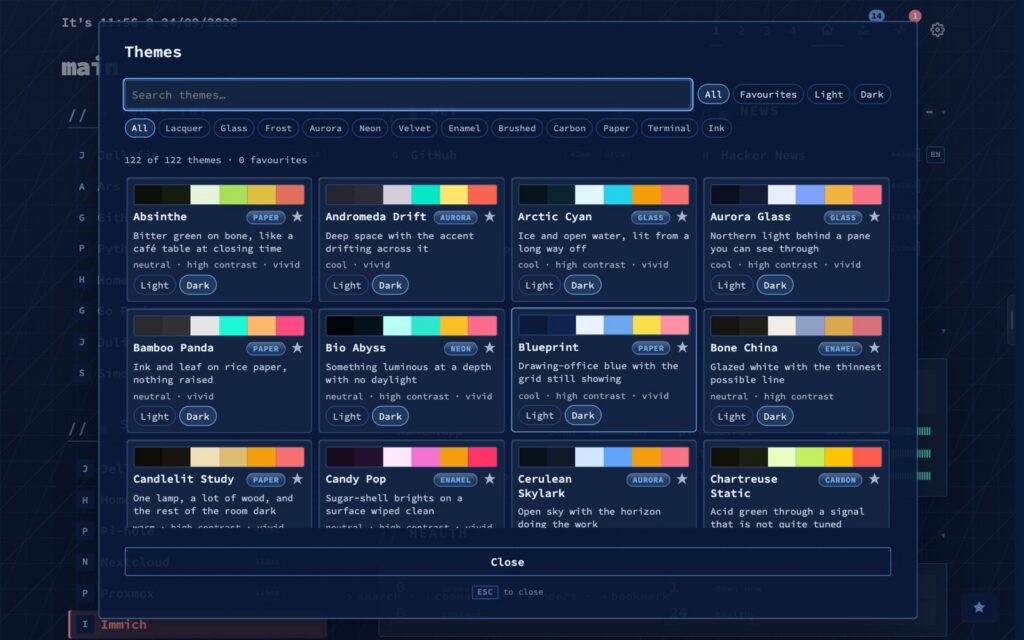
Building your own? The theme editor gained a Character group: the archetype, the grain’s angle and strength, and the Depth, Glow and Effects your theme asks for. Every field starts at Automatic and shows what the archetype would give it.
Upgrading
docker pull ghcr.io/jordibrouwer/nextdash:latest
# or
docker pull foobar1452/nextdash:latest
Unraid users: update the container from the Docker tab. Your theme keeps its colours; what changes is how it is drawn, because the surfaces you had set install-wide now follow the theme. If you liked the old arrangement, tick Use these for every theme under Appearance → Surfaces and set the three back.
Previously: the first widgets that look outward