Collections
The dashboard reorganises itself around what you do.
- t Quick-tag the focused bookmark
- / Browse tags as a word cloud
- f Filter to the focused bookmark's tag
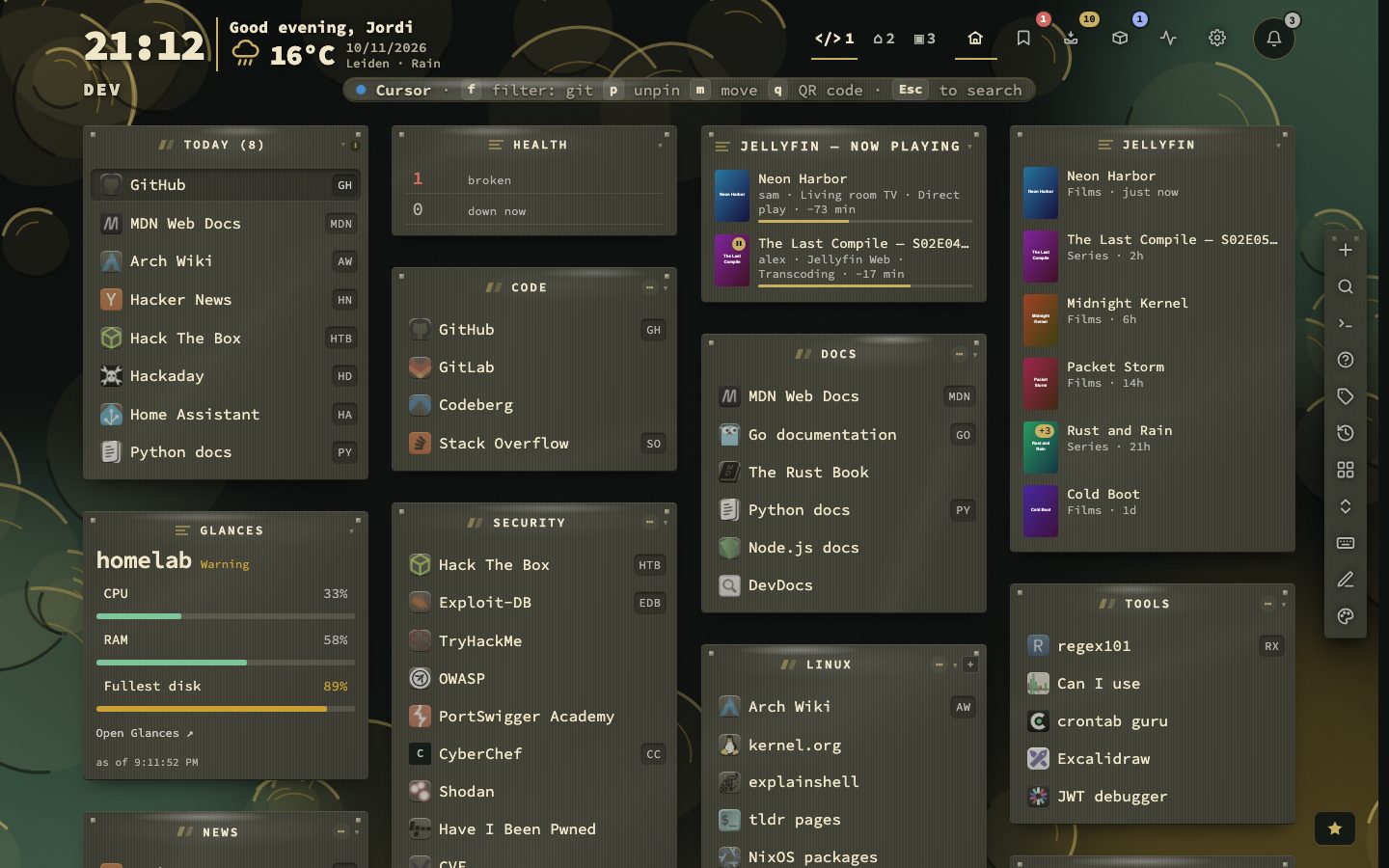
Collections group your bookmarks without you filing anything. There are built-in ones such as Today, Recently opened, Most used and Stale, one collection per tag, and your own rules on tag, category, shortcut, pinned, no tags, days since last opened or days since last changed.
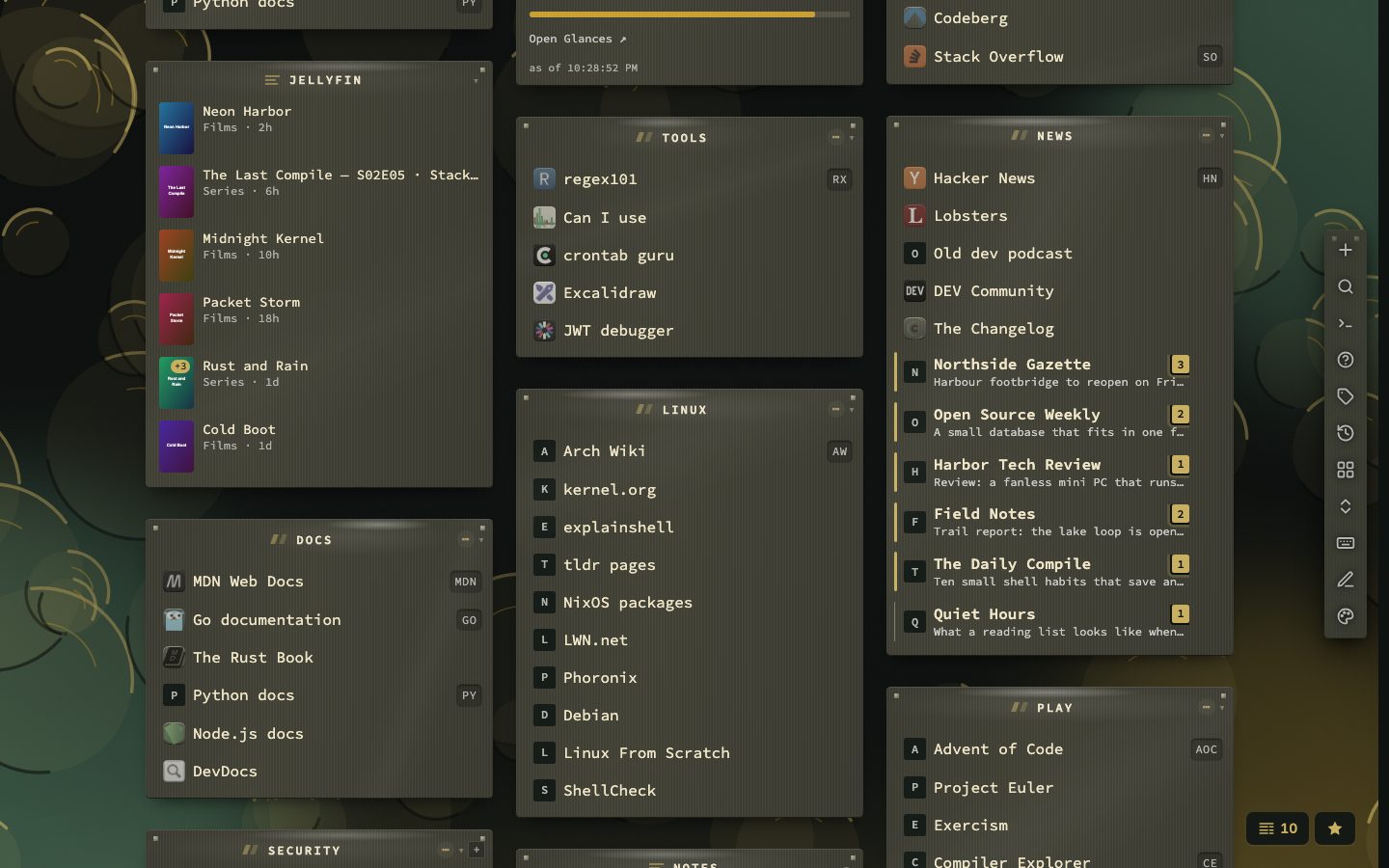
Watch feeds goes one step further. Follow the feed of a bookmark’s site and nextDash tells you how many entries are new since your last visit, in a news window of the feeds you watch. Nothing is followed until you ask, and it keeps only the newest entries of each feed, so it stays a bookmark manager and not a feed reader.
Try it
- Press / to see your tags as a word cloud and click one.
- Press t on a bookmark to tag it.
- Open Config and add a collection with your own rule.
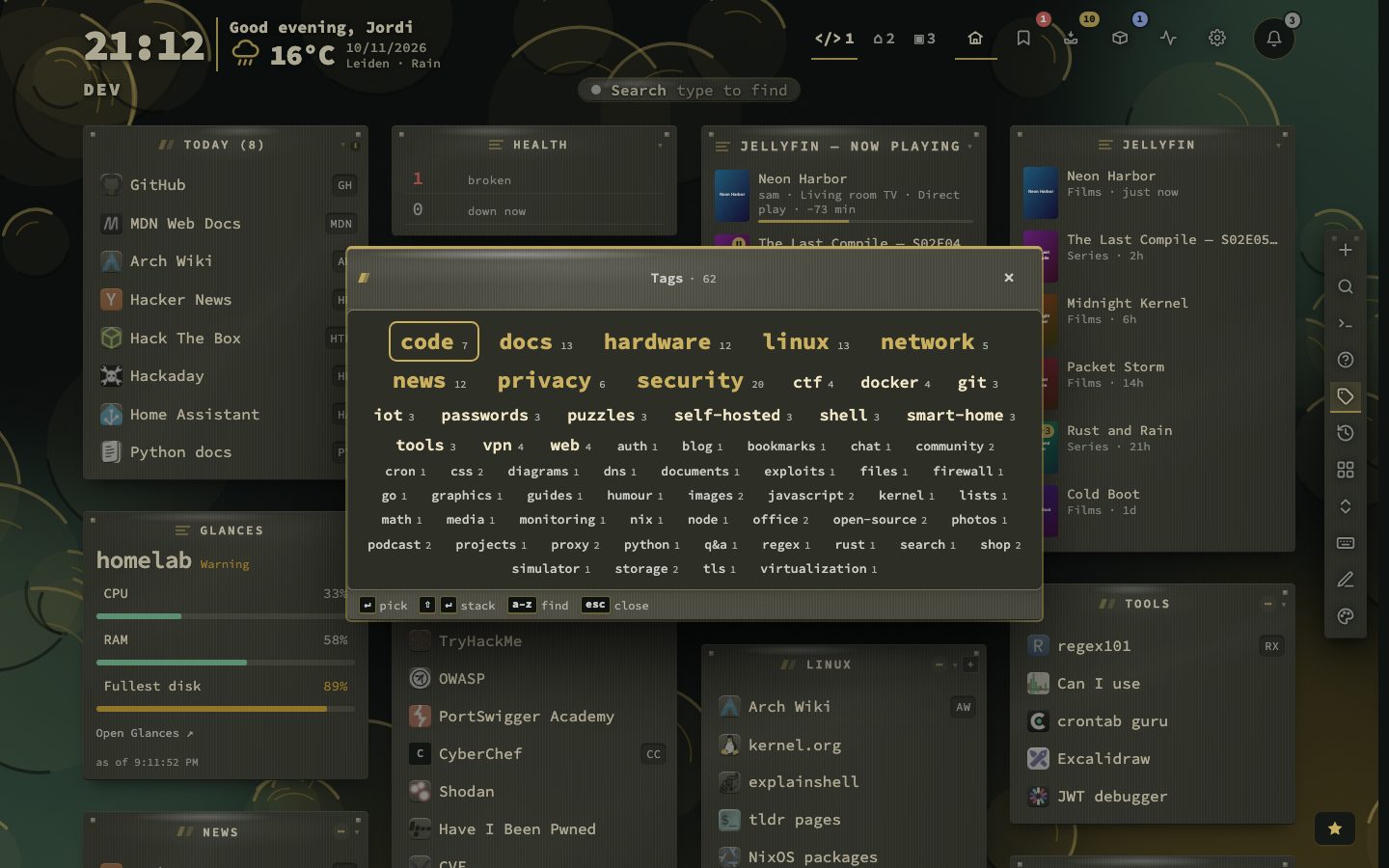
The built-in collections
Config, Structure, Collections turns them on. Each collection has its own item limit (0 means unlimited) and can be limited to certain pages.
- Today shows what you tend to open at this time, tuned by keywords for office hours, evenings and weekends.
- Recently opened shows what you opened last.
- Recently added shows what you saved last. It is off by default.
- Most used is ranked by opens, and it appears once you have opened bookmarks from the dashboard.
- Stale shows what you have not opened within the stale threshold.
Your own rules
- 1Open Config
- 2Choose Structure, then Collections
- 3Add a collection with a name and an icon
- 4Add rules and join them with AND or OR
A rule picks a field. Tag, Category and Shortcut match a bookmark that has the value (includes) or lacks it (excludes), and the value fields suggest what is already in use. Pinned and Has no tags need no value. Not opened in (days) matches bookmarks not opened for that many days, or never. Changed within (days) matches bookmarks you edited in the last that many days.
For example, Has no tags AND Not opened in 90 days gathers what you saved and forgot.
One group per tag
Tag collections turn each tag that enough bookmarks use into its own group. Raise the minimum to keep one-off tags out. A tag collection shows wherever its tag is, so unlike other collections it cannot be moved to another page. Tags tells how to put tags on bookmarks.
A collection is a view, not a copy
The bookmarks in a collection are the real ones. Editing or deleting one inside a collection changes the real bookmark, and it is gone from the page it came from. Because a collection is not a place to file things, Add new bookmark is not offered on a smart collection.
Following a site feed
- 1Right-click a bookmark
- 2Choose Watch this feed
- 3Tick the feeds to follow, or paste an address
- 4Pick how often to check and save
nextDash lists the feeds the page advertises, and tries the usual addresses when the page says nothing. You can check every 30 minutes, 1, 2, 4, 6, 12 or 24 hours. When you save, the feed is read once and what is already there counts as seen, so a bookmark shows no news until the site publishes something new. A bookmark with news gets a stripe, a bold name, the newest headline and a badge, and Shift + W opens one news window for everything you follow.
- 100feeds can be watched
- 10newest items kept per feed
- 7check intervals
It keeps the ten newest new items of each feed, and a feed that fails five times in a row is paused and tried again once a day. Watch feeds has the whole story.