visitor@nextdash: ~/pages — Notes and QR codes – nextDash 24 posts

nextDash

Latest version on GitHub is v1.19.8

Your bookmarks. Your terminal. Your rules.

visitor@nextdash:~/pages$ less extras.md

-rw-r--r-- extras.md

Notes and QR codes

A notes tile on your page, and a QR code to open a link on your phone.

  • ShiftJ Show the focused bookmark as a QR code
  • ShiftL Share the focused bookmark
  • Ctrl/CmdEnter In the Notes editor, save
  • Esc In the Notes editor, cancel

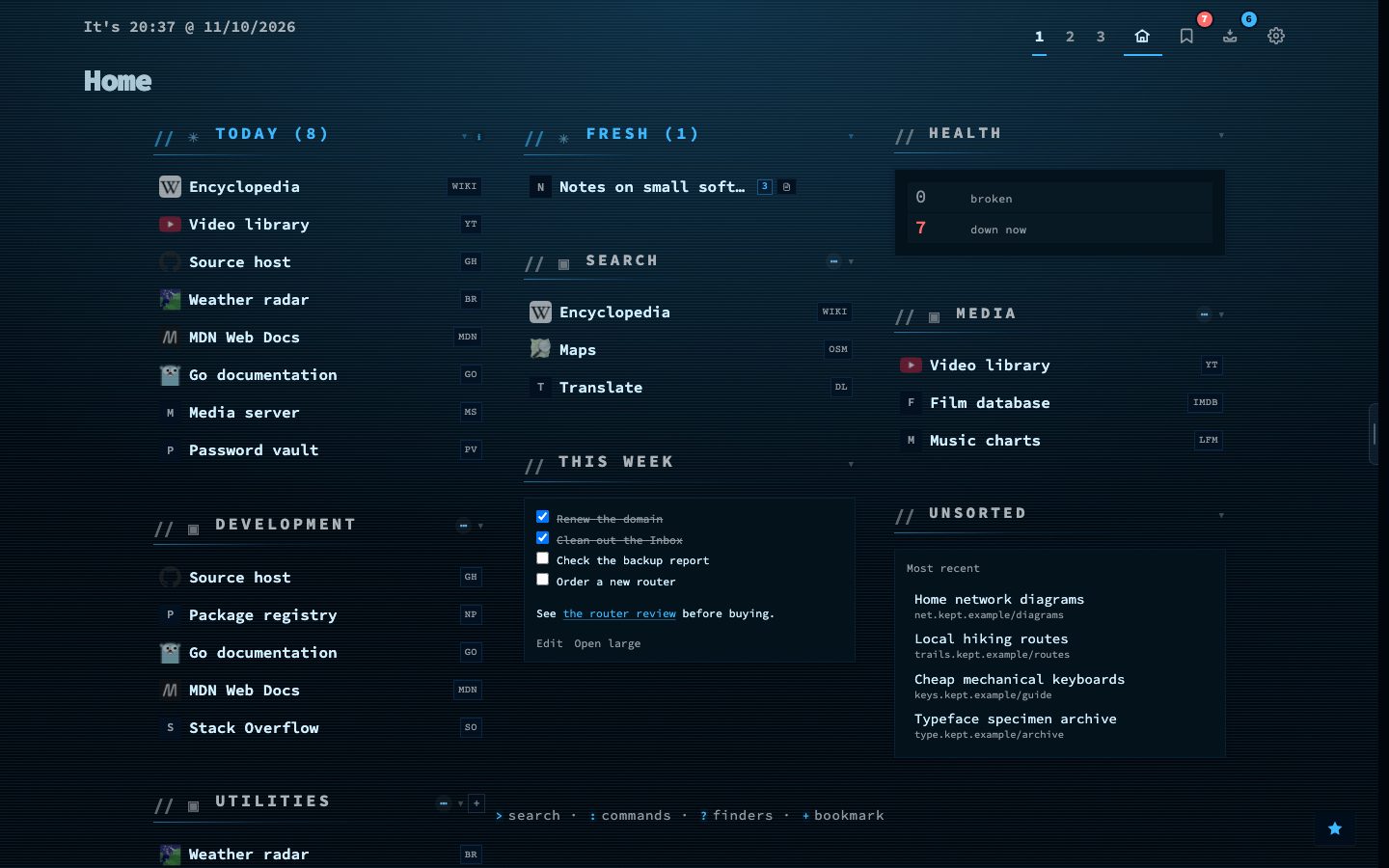
The Notes widget puts a small notes tile among your categories. It draws headings, lists, quotes, tables, code and links, and a line that starts with [ ] is a checkbox that saves as soon as you tick it. Edit opens a plain editor, and typing / there offers commands such as the date or a to-do.

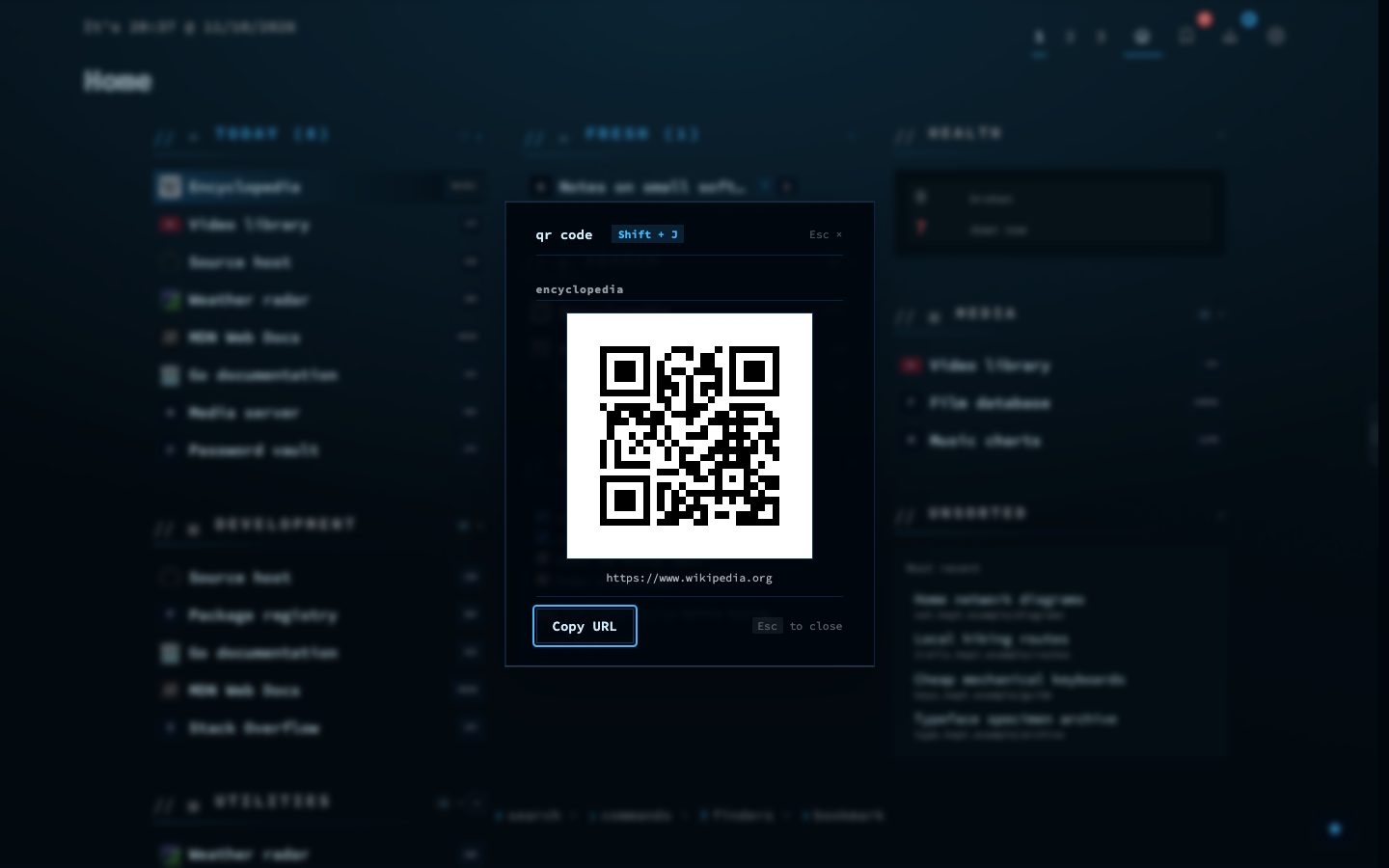
A bookmark can also be shown as a QR code, so you can open it on your phone without typing the address, or shared with Shift+L, which copies its name and address where there is no share sheet.

Try it

  1. Add a Notes widget under Config, then Widgets, and tick a checkbox.
  2. Move to a bookmark and press Shift + J.
  3. Scan the code with your phone.

The Notes widget on a dashboard
A Notes tile among your categories.
A bookmark as a QR code
Shift+J: a QR code to open the link on a phone.

● online uptime 76d 24 posts utf-8 wp 7.1.3