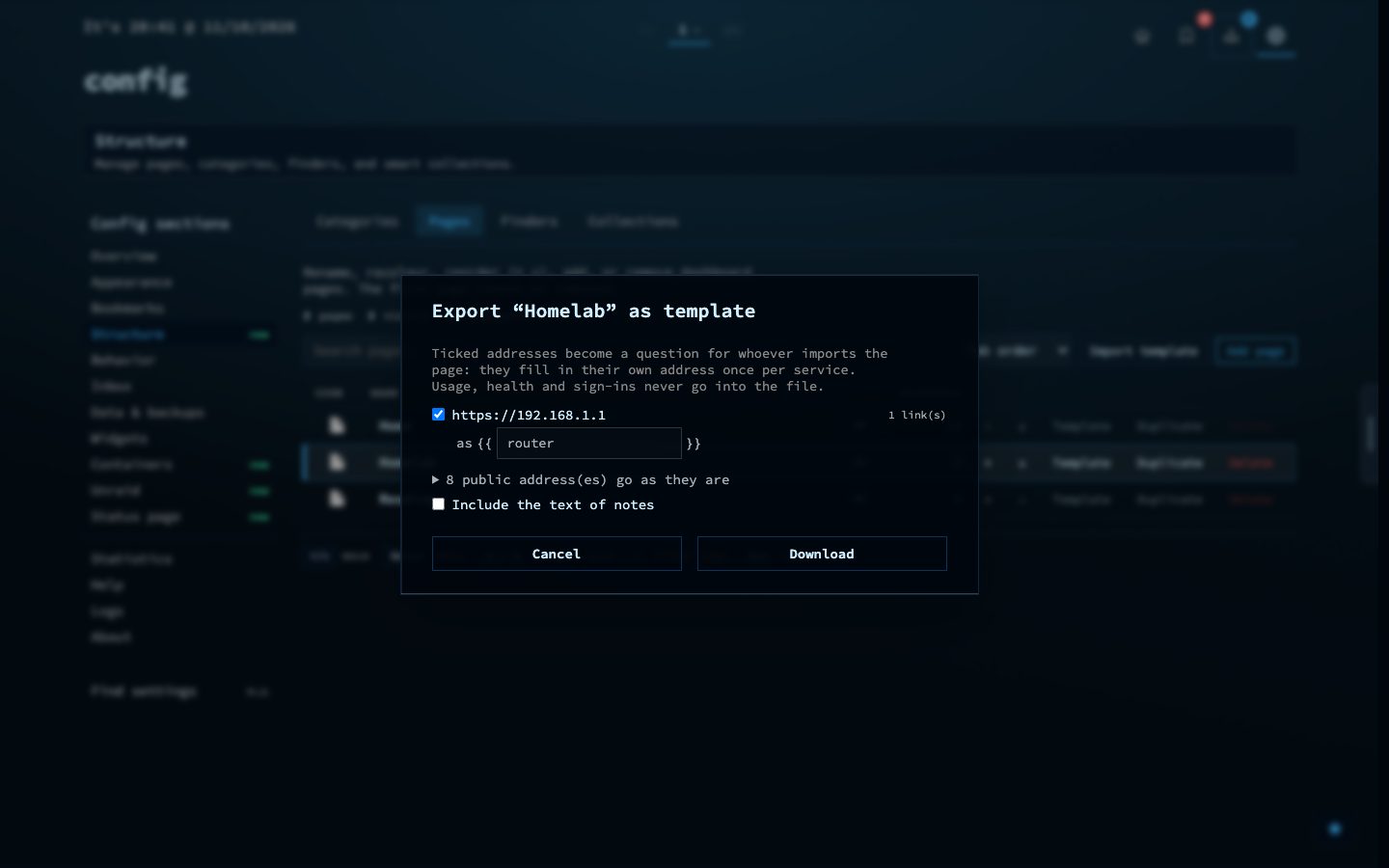
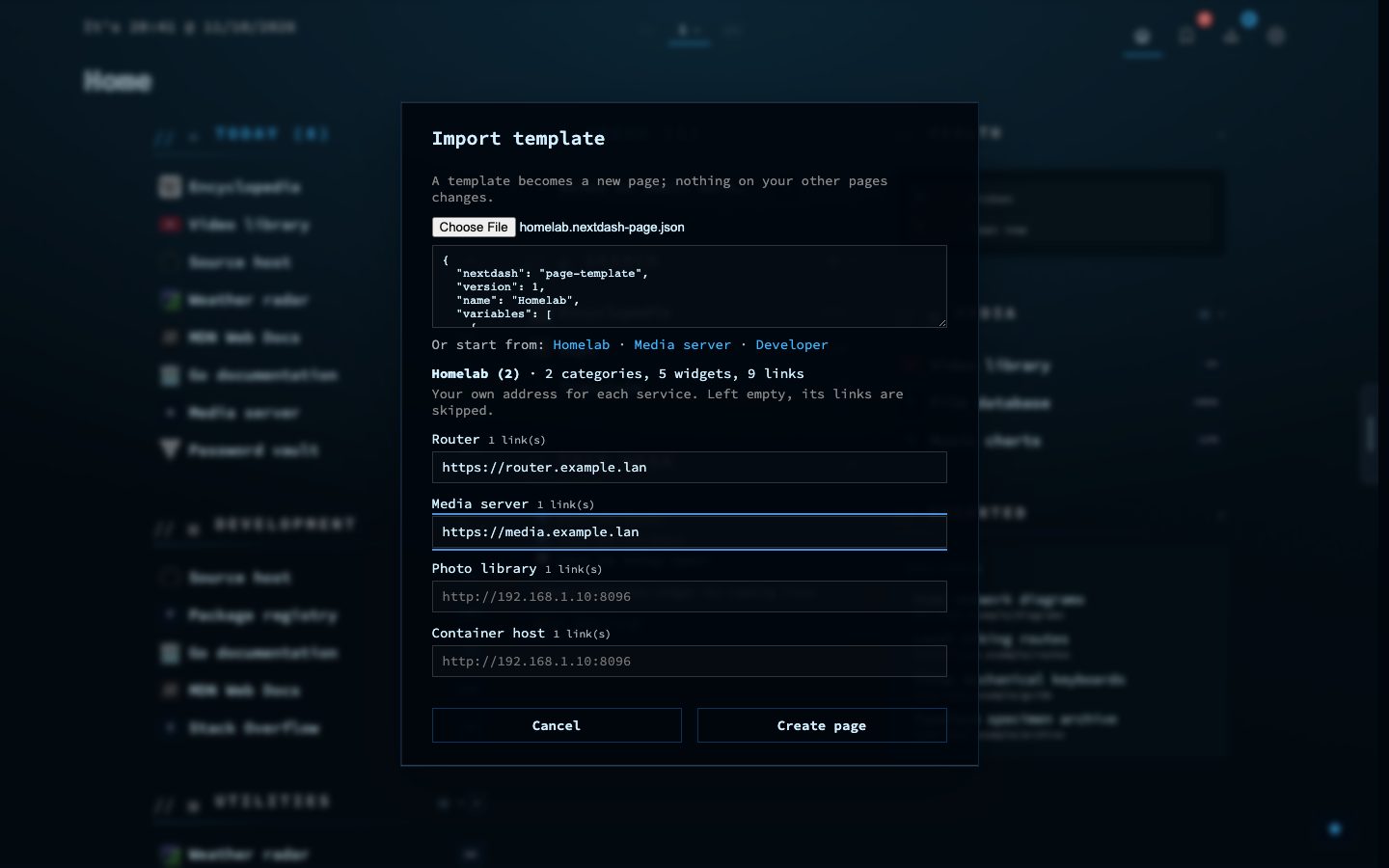
A page can be saved as a template file and imported on another install, or kept as a starting point. The file holds the layout, the categories, the widgets and the links. It never holds when a link was opened, how it checked, stored sign-ins or other settings.
When you share a page, addresses on your own network turn into names you can change, such as jellyfin, and the importer fills in their own address for each service once. Importing always makes a new page, so nothing on your other pages changes. Three templates come with nextDash: Homelab, Media server and Developer.
Try it
- Open the page switcher and choose Share this page.
- Download the file, or copy it to paste into a post.
- On another install, choose Import a page and fill in one address per service.