Integrations
In nextDash an integration is a service it reads from or talks to: a media server, a download client, a home automation hub, a push service. You enter the address, and a key where the service needs one, and nextDash shows what the service reports as a tile on a page, or sends a message to it. Nothing is bundled with an account, and nothing is installed on the other side.
Media
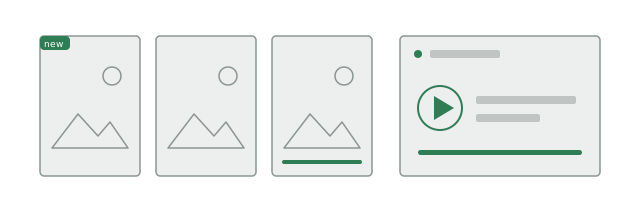
- Jellyfin: what was added lately, with posters from your own library, and who is watching right now.
- Emby: the same two tiles as Jellyfin.
- Plex: the same two tiles, read through Tautulli.
- Sonarr and Radarr: the episodes and films coming up, and what is downloading.
- Seerr (Overseerr or Jellyseerr): requests that are pending, approved or available, and who asked.
Downloads
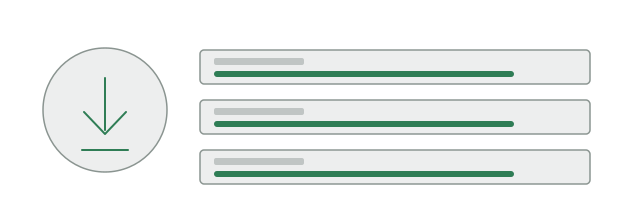
- qBittorrent: what is downloading, paused and finished, with progress, speed and time left.
- SABnzbd: the same for Usenet downloads.
Home and servers
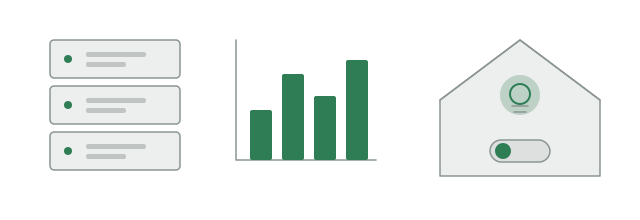
- Home Assistant: the entities you choose, with their value. Lights, switches, fans, scenes and scripts can be switched from the tile.
- Unraid: array, parity, shares, VMs, UPS and notifications, read through the server’s API. Unraid →
- Beszel: the systems a Beszel hub watches, with processor, memory and disk, and which ones need a look.
- Glances: a page of its own for a Glances 4 server, with a record of 30 days, and a tile per host. Glances →
- Docker: your containers, their health and updates, and, when you allow it, start, stop and restart. Containers →
- Pi-hole (v6) and Proxmox: figures such as blocked queries or processor and memory, through the Custom widget.
Monitoring and alerts
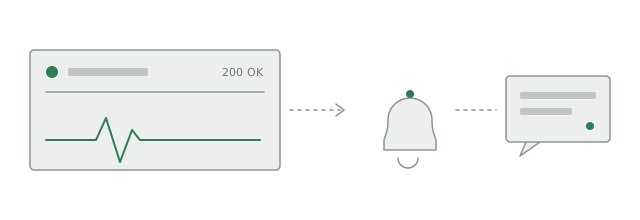
- ntfy, Gotify, Pushover, Telegram, Slack and Discord: a message when a monitored bookmark goes down, and again when it recovers.
- Apprise: passes an alert on to mail, Matrix, Signal, Teams and the other services Apprise reaches.
- Webhooks: signed messages to a program of yours, such as Home Assistant, n8n or a script, for new bookmarks and for health events.
- Browser notifications: alerts that reach a device with nextDash closed.
- The status page: a page behind a secret link for your household, with 30 days of history.
- Uptime badges: a small image of a bookmark’s uptime for a README or a forum post. Off until you switch it on.
Tools that call nextDash
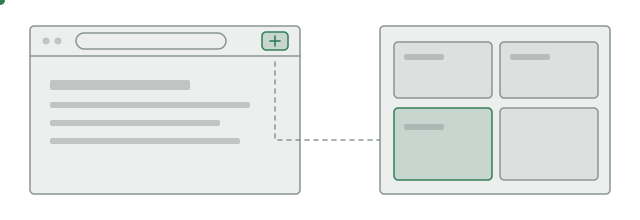
- The browser extension: saves the current tab to a page or to the inbox. Browser extension →
- The address bar: your browser can use nextDash as a search engine.
- The bookmarklet and the share sheet: save a link to the inbox from any browser or from a phone.
- The MCP endpoint: lets an MCP client such as an AI assistant search and, once you allow it, change your bookmarks. Off until you switch it on.
- Watch feeds: follows the RSS or Atom feeds of sites you choose and tells you when they publish. Watch feeds →
Around you
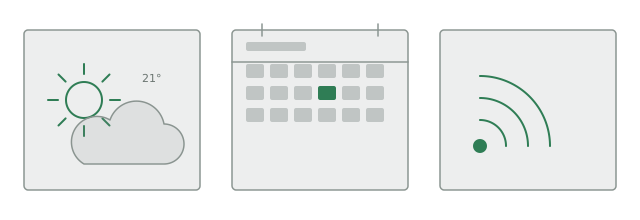
- Weather: current conditions and a forecast for the city you set.
- Calendar: what is coming up, from the address of an .ics feed.
- RSS: the newest articles from up to ten feeds.
Your own services
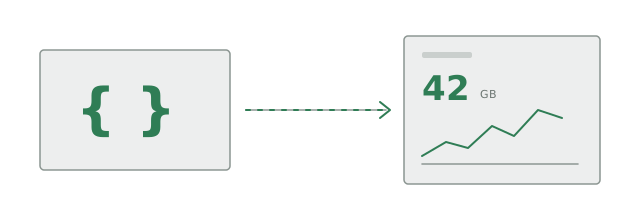
- Custom widget: reads figures from any service that answers with JSON, with 41 self-hosted services filled in. Custom widgets →
AI
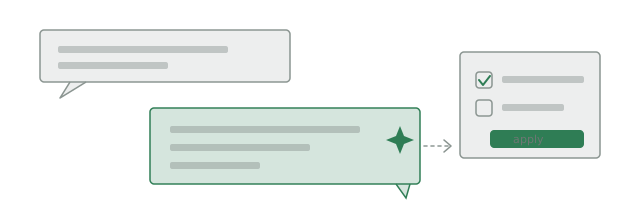
- The assistant: answers questions about your bookmarks, and proposes changes that you apply one by one. It runs on Claude, OpenAI or a server of your own such as Ollama, and is off until you turn it on. Assistant →
How they are set up
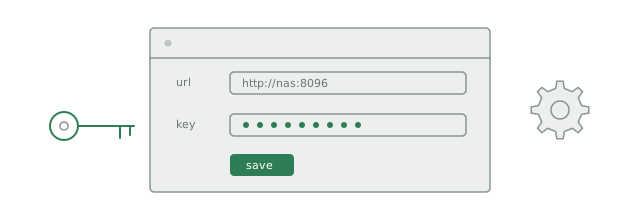
Addresses and keys are entered in Config. They are stored on your server, apart from your settings, and a key is never sent back to the browser. The requests to your services come from the server nextDash runs on, so a machine on your own network works without opening anything to the internet.
Anything with JSON: if a service is not listed, the Custom widget can probably read it. Custom widgets →