Recent bookmarks and usage
See what you opened lately, how often, and let search learn your habits.
- * Recent bookmarks, from every page
- ] Earlier bookmarks in the sheet
- [ Back towards the newest
- > Search, with Usually now on an empty line
Every time you open a bookmark, nextDash adds one to its open count and notes the time. Those two numbers are put to work in a few places: the Recent bookmarks sheet, the preview card, a group of suggestions in the search panel, and search filters that ask when you added something or last opened it. Nothing to switch on, and the counts stay in your own data files.
Press * and a sheet opens with what you opened last, from every page, newest first. Each bookmark is a tile with the day it was last opened on a small calendar block, its name and shortcut, the weekday and time, its category (or its page, when it lives on another one) and how often you have opened it, with a bar against your most opened.
Try it
- Press * on the dashboard. The arrow keys move from tile to tile and Enter opens one.
- Press ] to go back to earlier bookmarks and [ to come forward again. Esc closes the sheet.
- Point at a bookmark on the dashboard. The preview card says how often you opened it and when.
- Press > on an empty search line and look at Usually now.
- Type
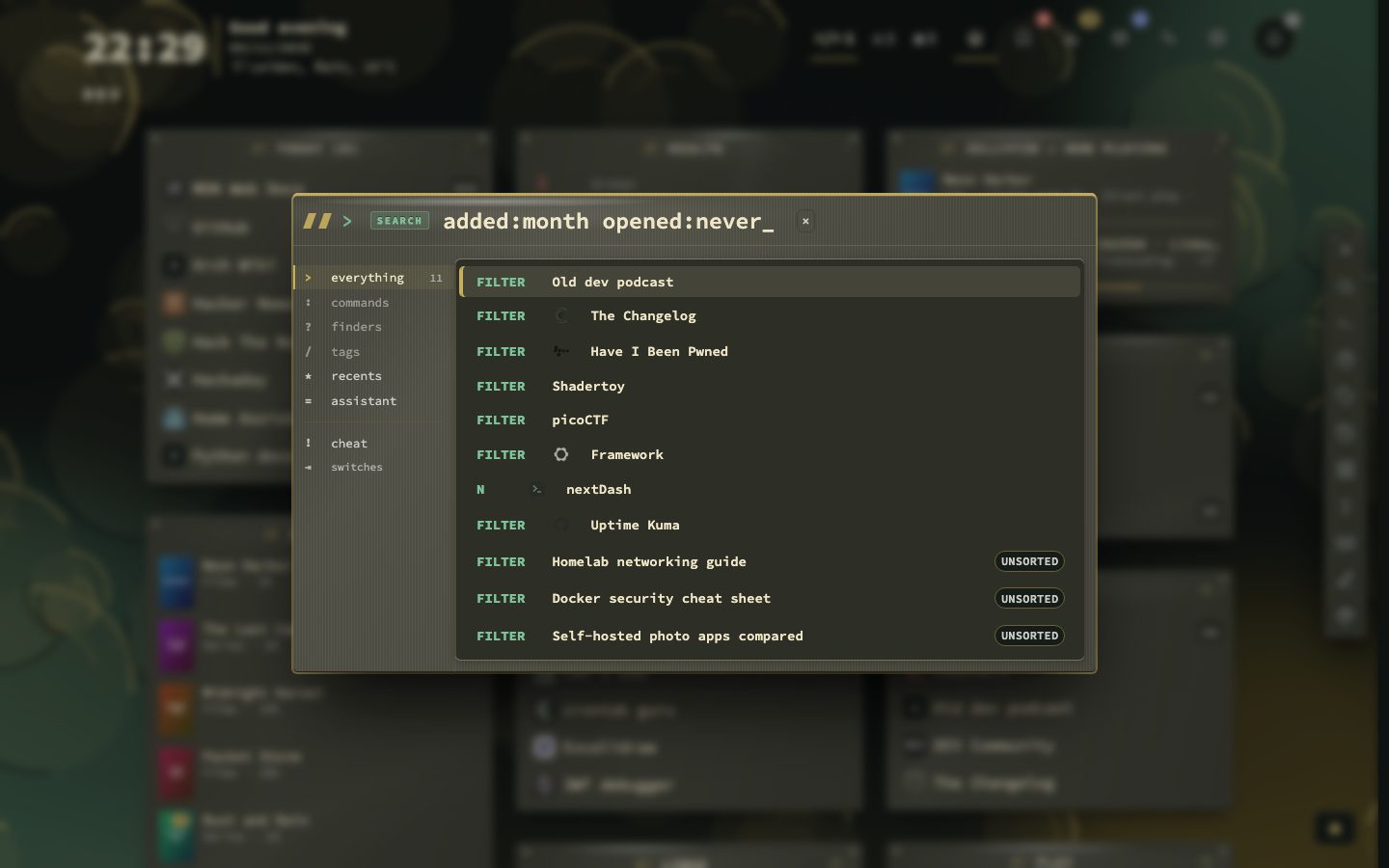
added:month opened:neverin the search panel.
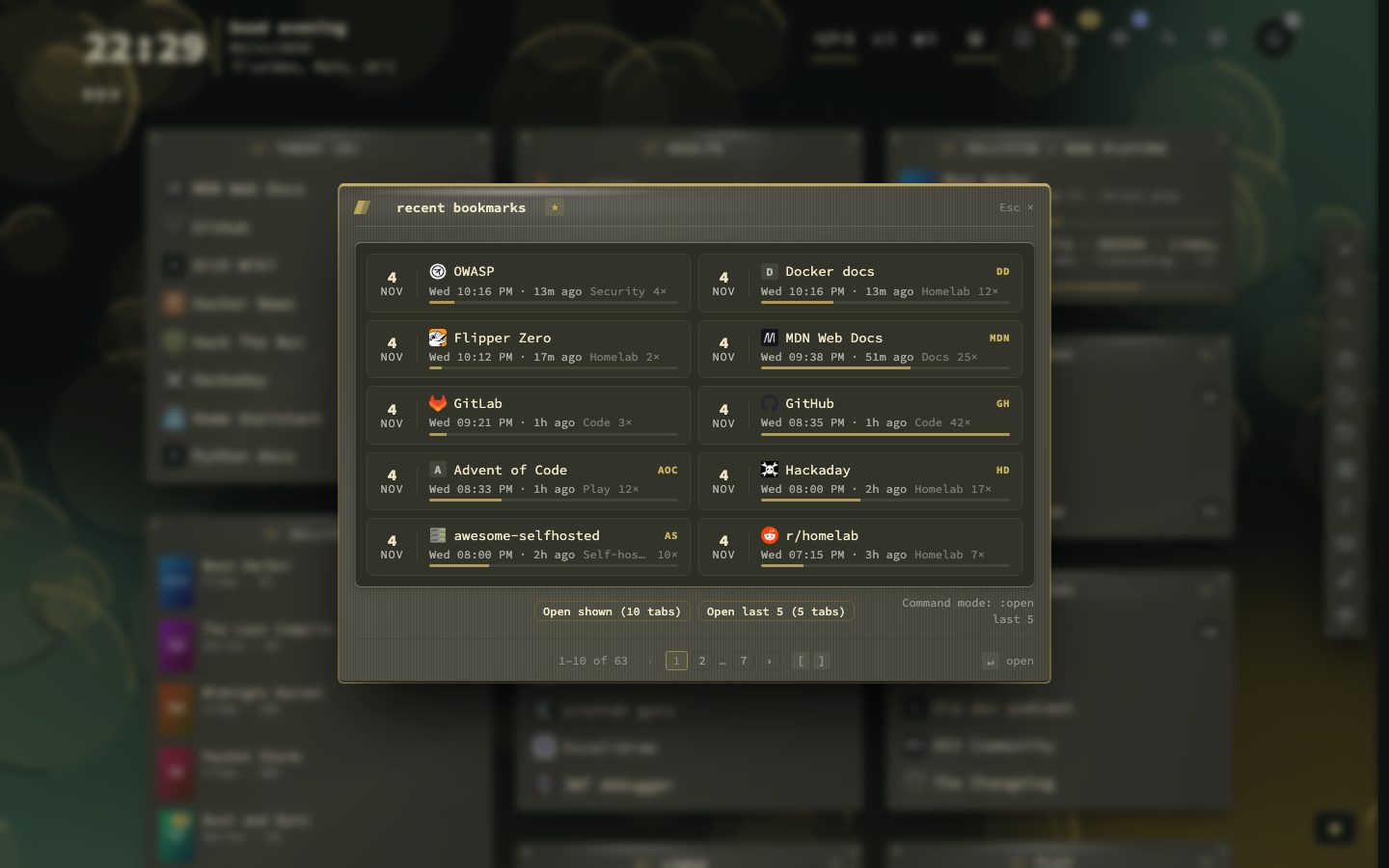
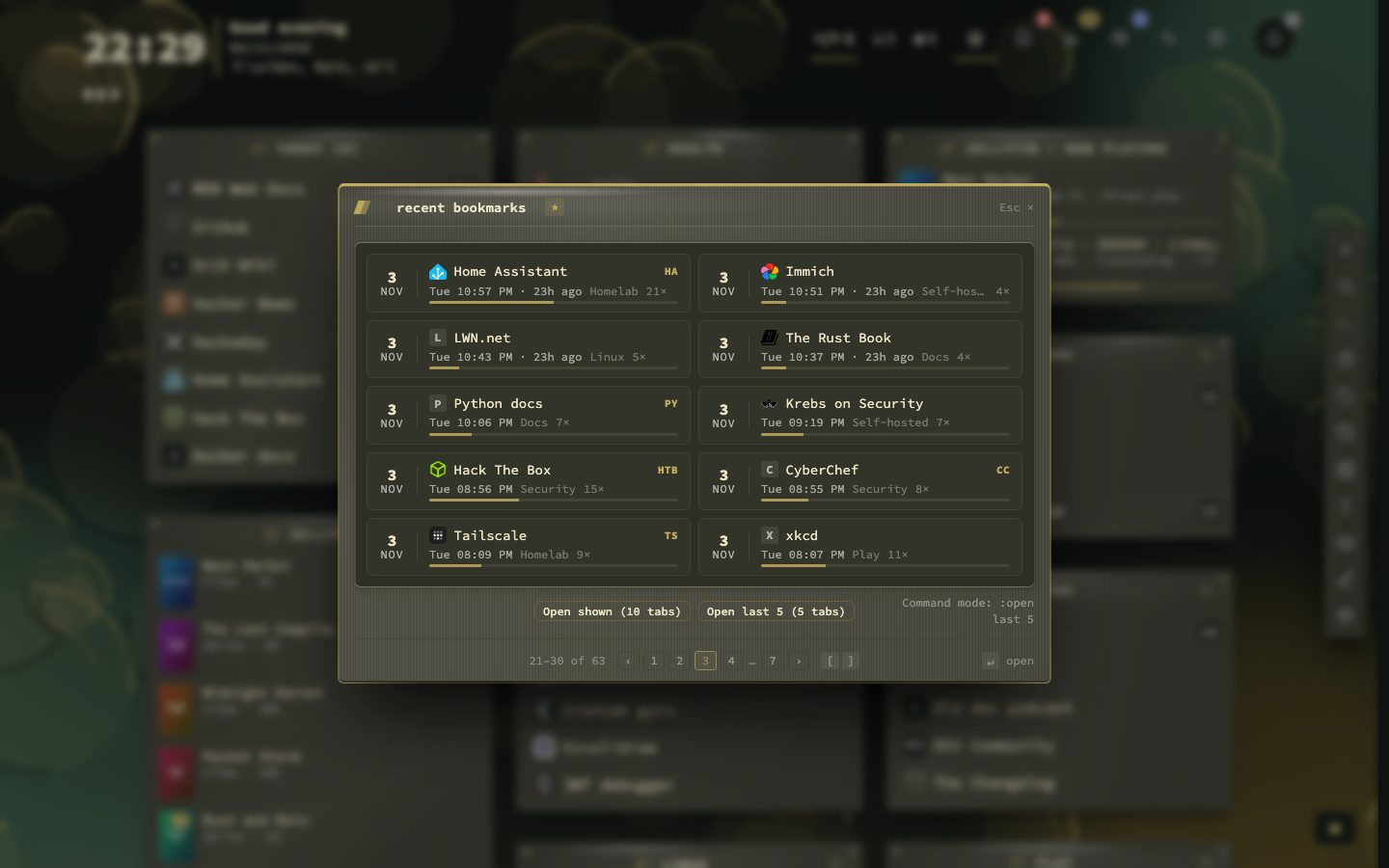
Paging back through the days
Ten tiles fit on a page and the foot says where you are, for instance 21 to 30 of 63. ] or Page Down goes to earlier bookmarks, [ or Page Up comes back, and the sheet always opens on the newest page. Open shown opens the ten tiles on screen in tabs, and Open last 5 the five newest. The command :open last 5 does the second one from the palette. Pointing at a tile shows its full date, and dates follow the language you set.
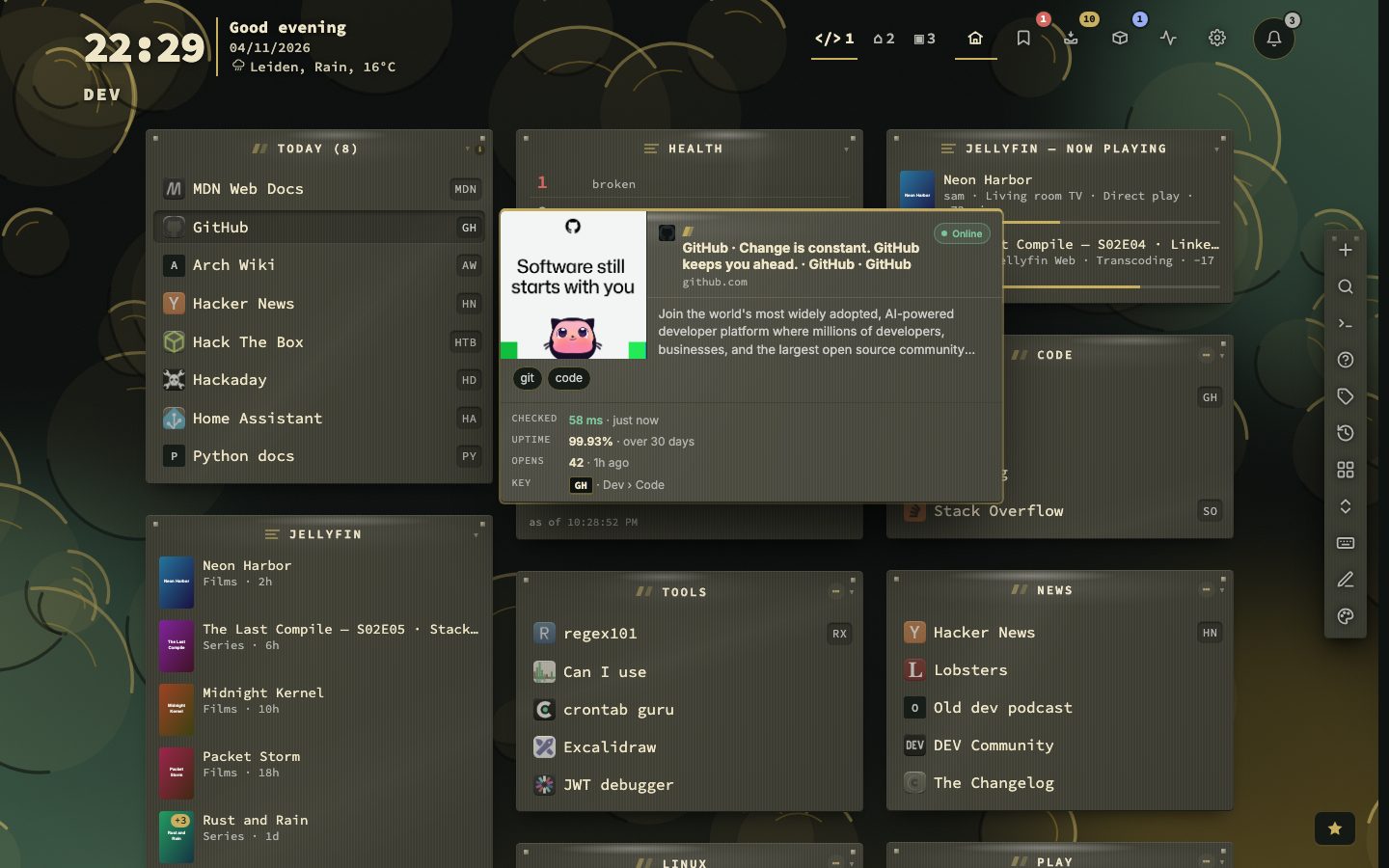
What a bookmark knows about its use
The preview card, which appears when you point at a bookmark, has an Opens line: how many times you opened it and how long ago the last time was. Every open counts, whether it came from the grid, the search panel, the recent sheet or the Bookmarks view. Opening the same site from the browser address bar does not.
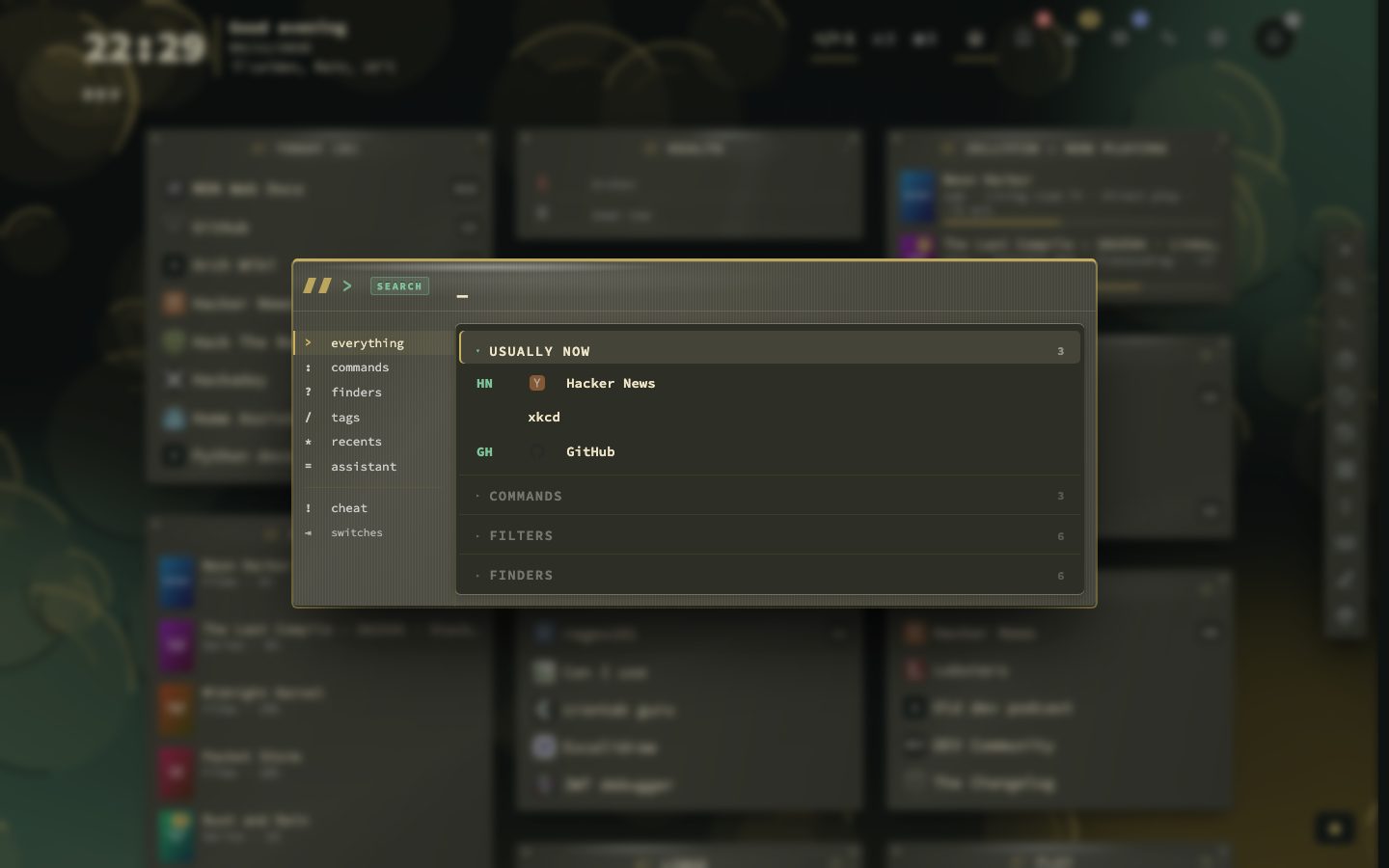
Search that knows your habits
With the search panel empty, the first group is Usually now: up to three bookmarks you tend to open around this time of day, on the same kind of day (a weekday or a weekend), going by the last eight weeks. A bookmark needs at least three opens in that window, and the group only shows when three qualify. It is worked out in your browser from your own open history. Typing letters ranks results by how well they match and by how often you open them, and the search remembers which result you picked for the letters you typed, so a word you always type for one bookmark soon puts it first.
Ask when you added it, or last opened it
Two search filters use the same record. opened: takes today, week, month, year or never, and added: takes today, week, month or year. Filters combine with each other and with plain words, so added:month opened:never lists what you saved this month and have not opened since. The same facts are available to your own collections, which can use days since last opened and a Recently added collection.
An app launcher feel
If you run nextDash as an installed app, Hypr mode under Config, then Behavior, then General makes a click open the bookmark in a new browser tab and then close the app window, the way a launcher does.
The details are in the manual, chapters 6 and 8.
What counts as an open
- 10tiles on a page
- 5newest with Open last 5
- 3opens needed for Usually now
- 8weeks of history it reads
Every open adds one to the bookmark’s count and records the time, whether it came from the grid, the search panel, the recent sheet or the Bookmarks view. That feeds Recently opened, Most used, Stale, the statistics and the Usage tab of the side panel in the Bookmarks view. The counts live in your data files and travel with backups.
The collections that use it
Four built-in collections read the same record. Recently opened shows what you opened last. Most used is ranked by opens and appears once you have opened bookmarks from the dashboard. Stale shows what you have not opened within the stale threshold. Today shows what you tend to open at this time. Recently added reads when you saved a bookmark and is off by default. Collections tells how to turn them on.
A category can sort by the same numbers. In its menu, Last opened and Most opened put bookmarks you never opened last, and pinned bookmarks always stay on top. Sorting is only a view: the stored order changes when you drag.
Filters, with a minus
The opened: and added: filters combine with each other, with other filters and with plain words, and they are offered as you type. A minus in front of any filter turns it round, as in -tag:archive. To find what you saved lately and never used: