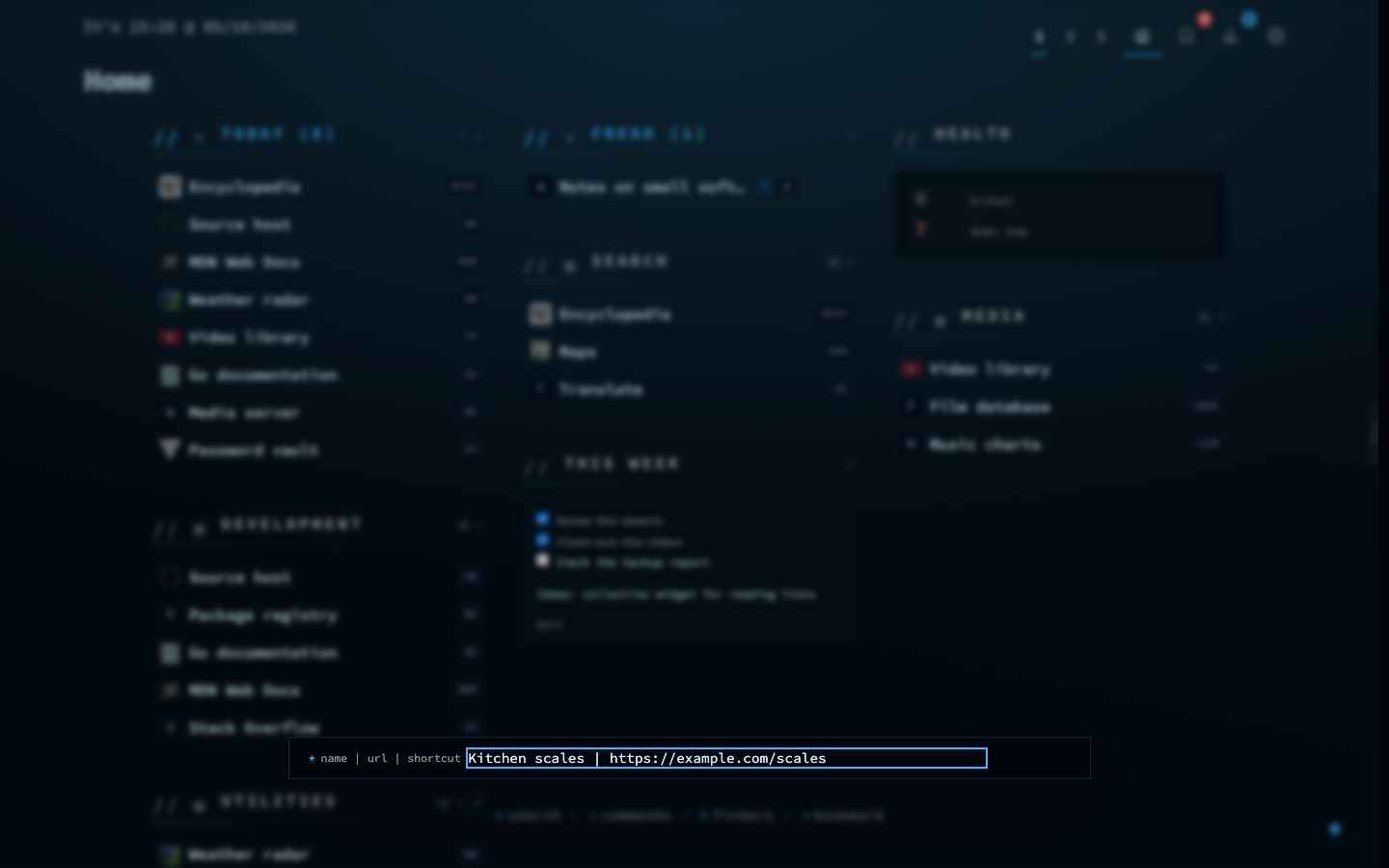
Saving a link has to be cheaper than not saving it. nextDash has several ways in: quick add on the dashboard, pasting a URL, the browser extension, a bookmarklet, the share sheet on your phone, launchers such as Raycast, Alfred and Ulauncher, and a one-line shell script.
All of them talk to one route, GET /add?url=&title=. Anything that can open a URL or run curl is an integration. A separate capture token opens capture and nothing else.
Try it
- Press & on the dashboard and type a name, a bar, and a URL.
- Or copy a link and press Ctrl + V on the grid to open the form pre-filled.
- Prefer a click? Press Shift + B for the full form.