Six languages and text size
English, Dutch, German, French, Spanish and Chinese, plus text size and row density.
- : Command palette: fontsize and density
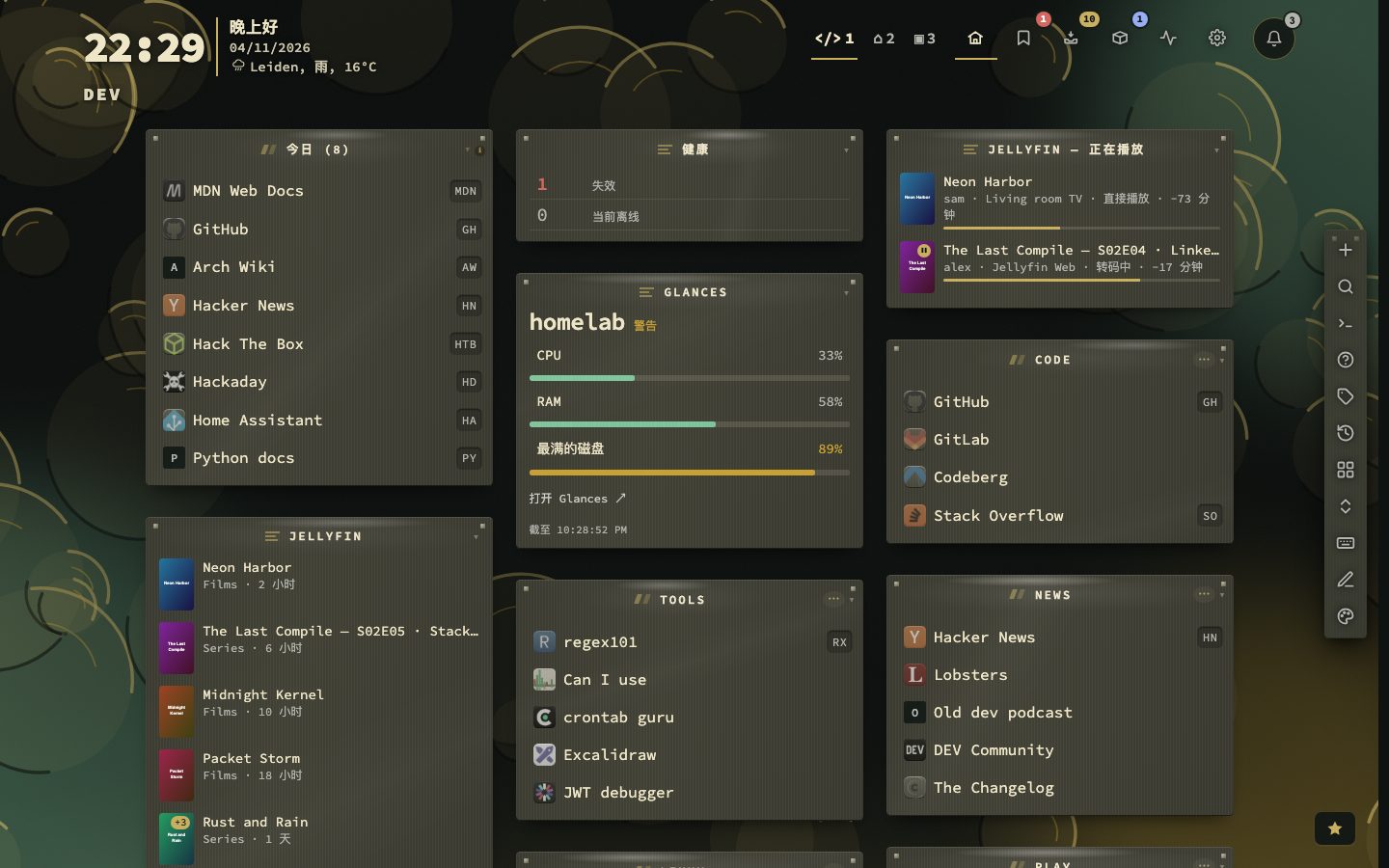
nextDash comes in six languages: English, Dutch, German, French, Spanish and Chinese. Each one is complete, so a screen does not quietly switch back to English halfway: the dashboard and its cheat sheet, the command palette, the setup guide, every tab in Config, statistics, Health, the Inbox and the in-app Help. Dates, such as the days in the Recent bookmarks sheet, follow the language too.
Two other settings change how the dashboard reads: the size of the text, in seven steps, and how tightly the rows sit.
Try it
- Open Config, then Behavior, then General, and pick another Language. The whole interface follows at once.
- Open Config, then Appearance, and open the Type panel on the Theme tab. Choose a Font size from XS to XL.
- On the Layout tab, change Density between Comfortable, Compact, Dense and Auto.
- Press : and type
fontsizeordensityto do the same from the command palette.
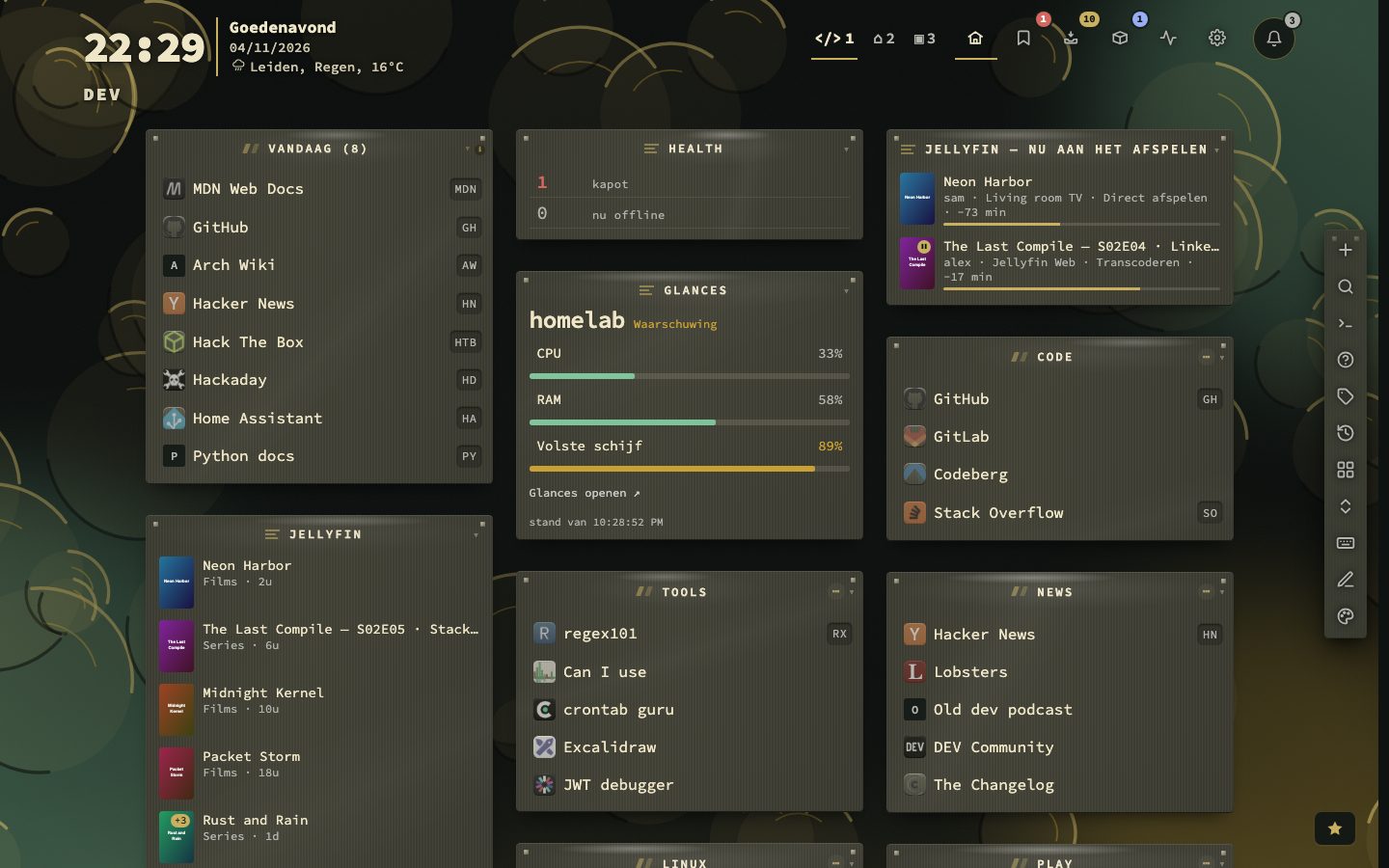
Dutch, Chinese and the rest
The language is saved with your other settings. The setup guide on a new install also has a language picker at the top right, and says so when your browser speaks one of the other languages. The public status page is different: it follows the language of the visitor’s device.
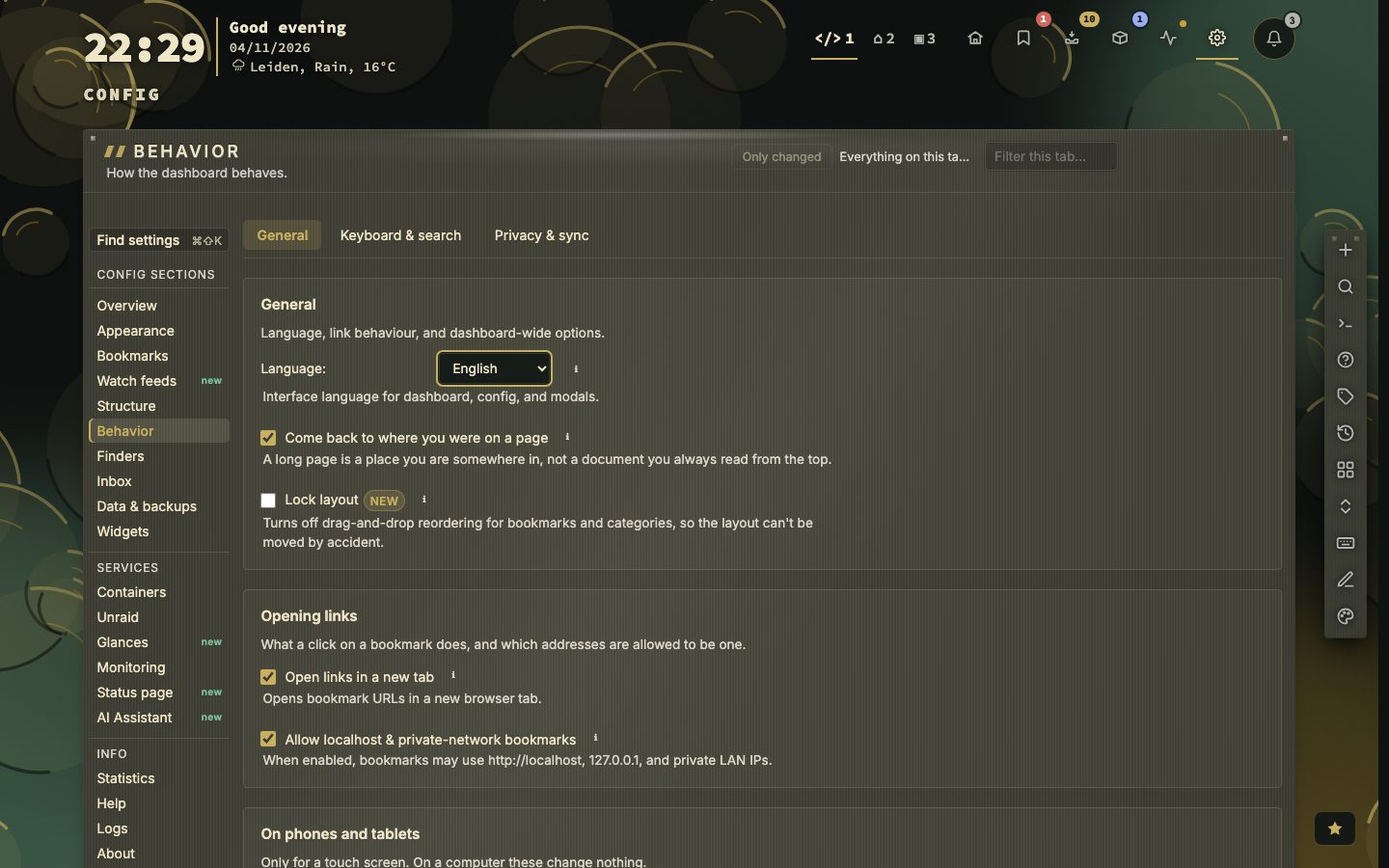
Text size
The Font size setting is in the Type panel, next to the font and its weight. It has seven steps, XS, S, SM, M, LG, L and XL, each drawn in the size it sets. The size applies to all text on the dashboard. M is the default.
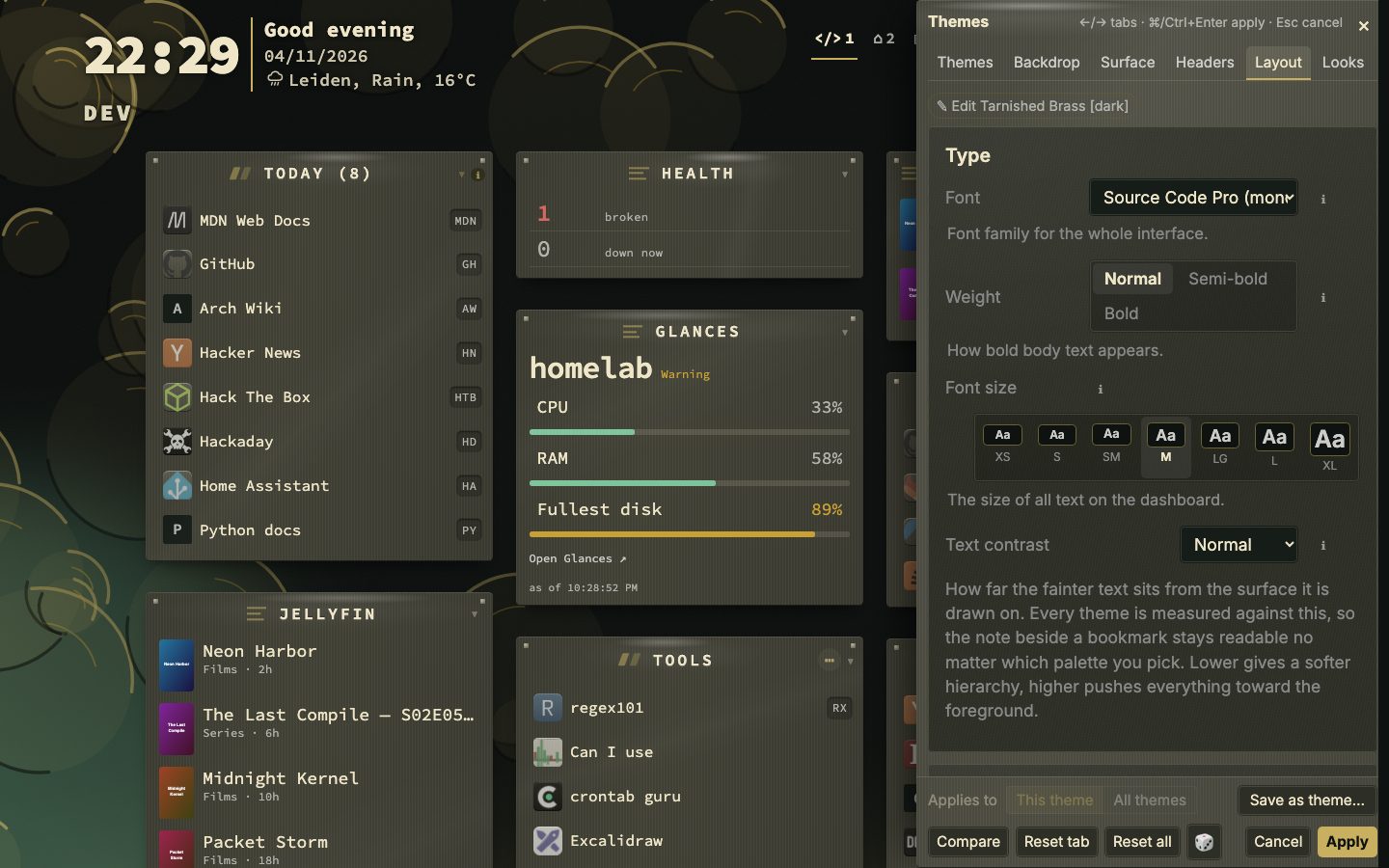
Rows closer together or further apart
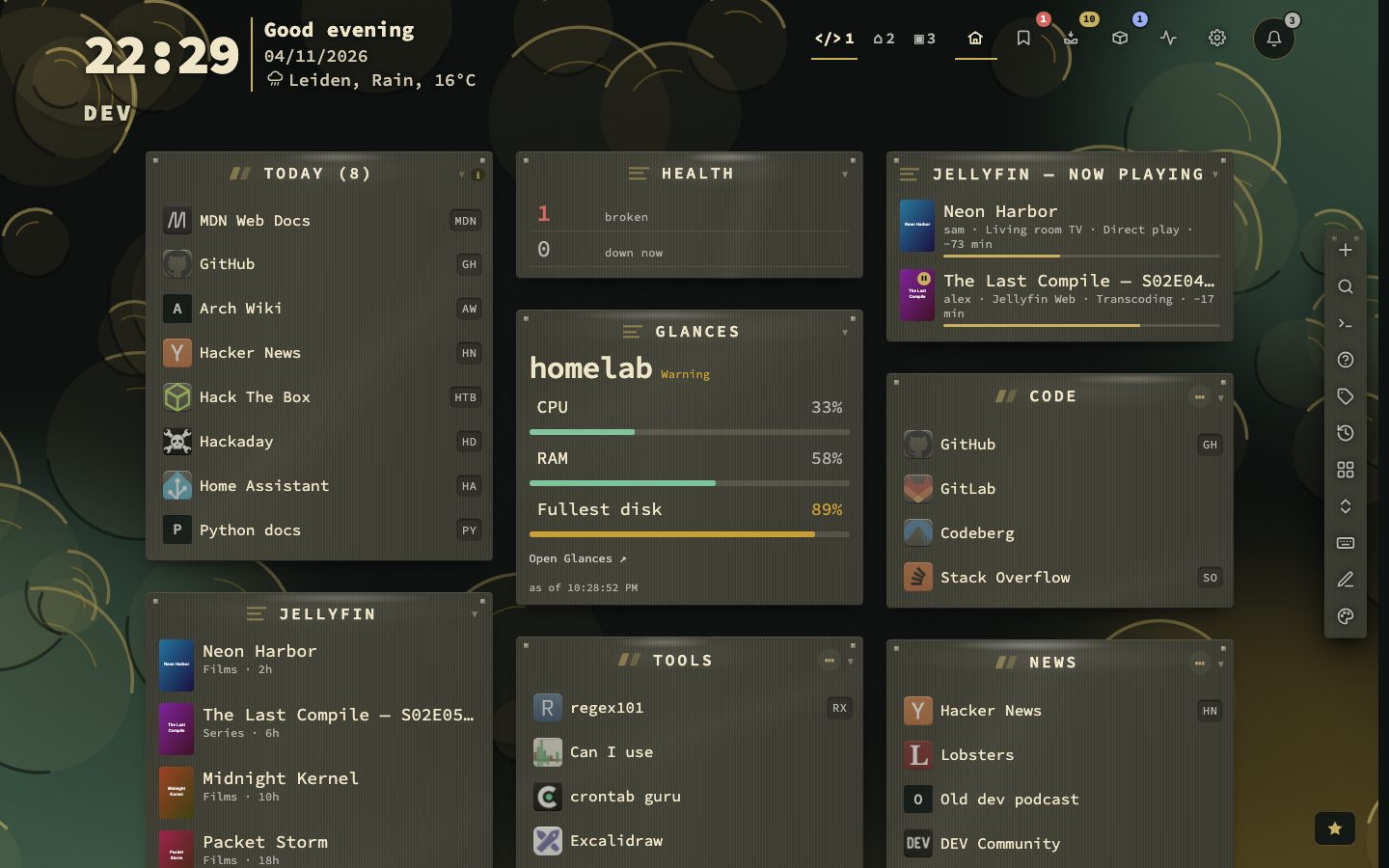
Density sits on the Layout tab of Appearance. Comfortable, Compact and Dense set how tight rows sit, and Auto, the default on a new install, adapts to the screen size and zoom. It is one setting for the dashboard, the inbox and the Containers view. The Bookmarks view has a row height of its own, Compact or Comfortable, under Config, then Bookmarks.
Everything here is in the manual, chapters 17 and 18.
Typeface and weight
- 6languages
- 7text sizes
- 4density settings
The Type panel also holds the typeface: Source Code Pro, JetBrains Mono, IBM Plex Mono, Inter, IBM Plex Sans, DM Sans or System UI. You can also upload a font file of your own. The weight is Normal, Semi-bold or Bold. A fresh install reads in Source Code Pro on the dashboard, and Inter is one pick away.
The typeface you pick sets the dashboard: the header bar, the bookmark grid and the search panel. Config, the Inbox, Tags, Containers and the modals read in Inter whatever you pick. Code, addresses and key chips are set in Source Code Pro, or in the monospaced typeface you pick. A proportional one leaves them on Source Code Pro.
From the command palette
Press : and type a command, and it lists the choices with the one in force marked as current. :fontsize and :density do what the settings do, and :columns takes a number from 1 to 6.
Space between things
Density is not the only spacing setting on the Layout tab. Space between categories is the gap down the page and Space between columns the gap across it, each Snug, Balanced or Airy, or Follow the theme. Page margins is the empty band left and right: Snug lets the columns grow wider into it, Airy pulls them together. Small drawings beside the settings show what a value looks like.
What follows the language
The in-app Help is in all six languages, and a CSV export of your bookmarks has translated column headers. The public status page follows the language of the visitor’s device, not the one you chose.