Health tells you a link is dead. Copies give you the page back. nextDash can ask the Web Archive to keep a copy the day you save a link, and it can keep a copy on your own disk.
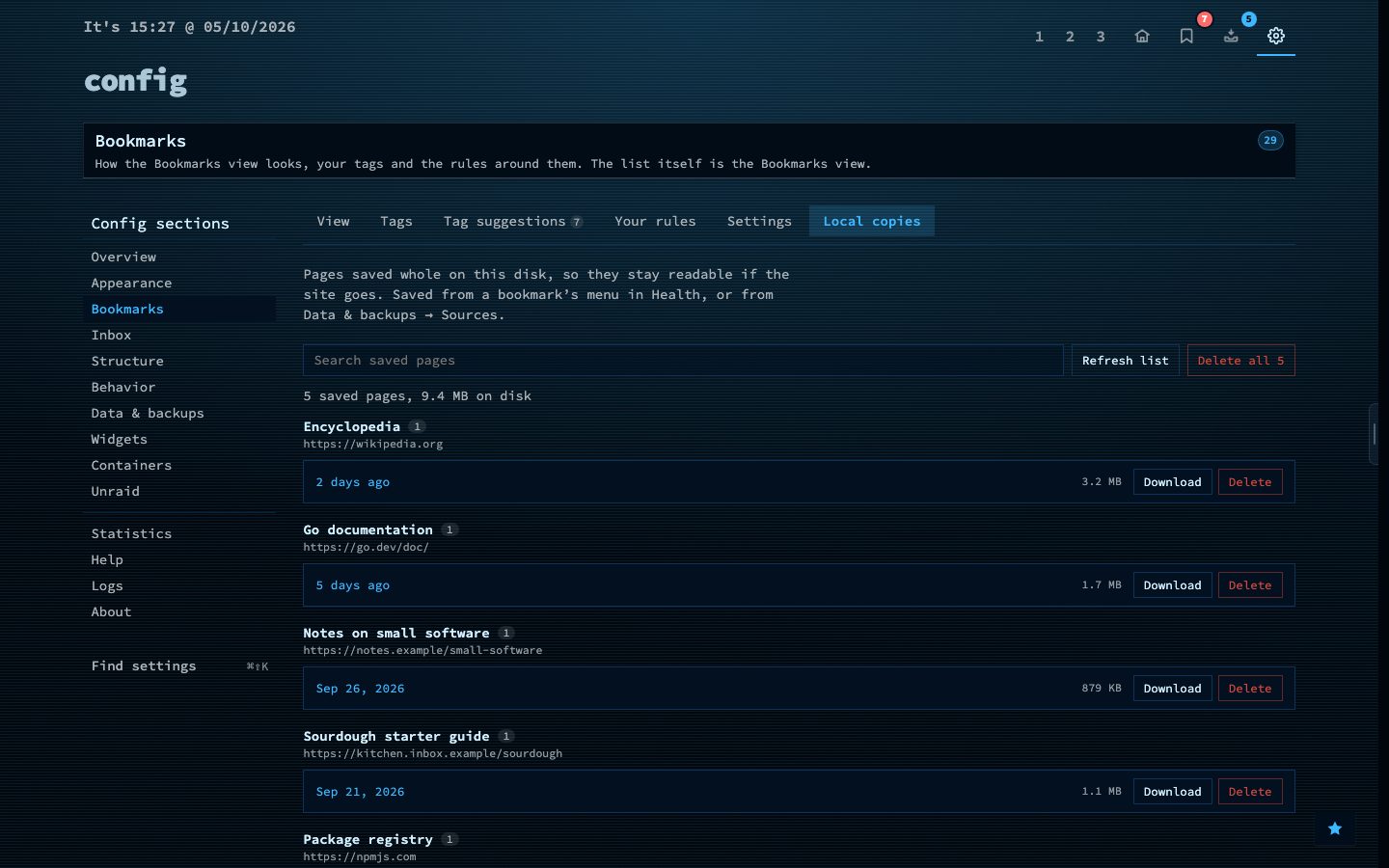
Local copies save a whole page, with text, styling and images, as one file, so it stays readable even if the site and the Web Archive are both gone. They are the largest thing a backup can carry, so including them is optional.
Try it
- Open Config, then Data and backups, then Sources, to switch on the Web Archive.
- Save a local copy of a bookmark you care about.
- Open Config, then Bookmarks, then Local copies to see what you have.