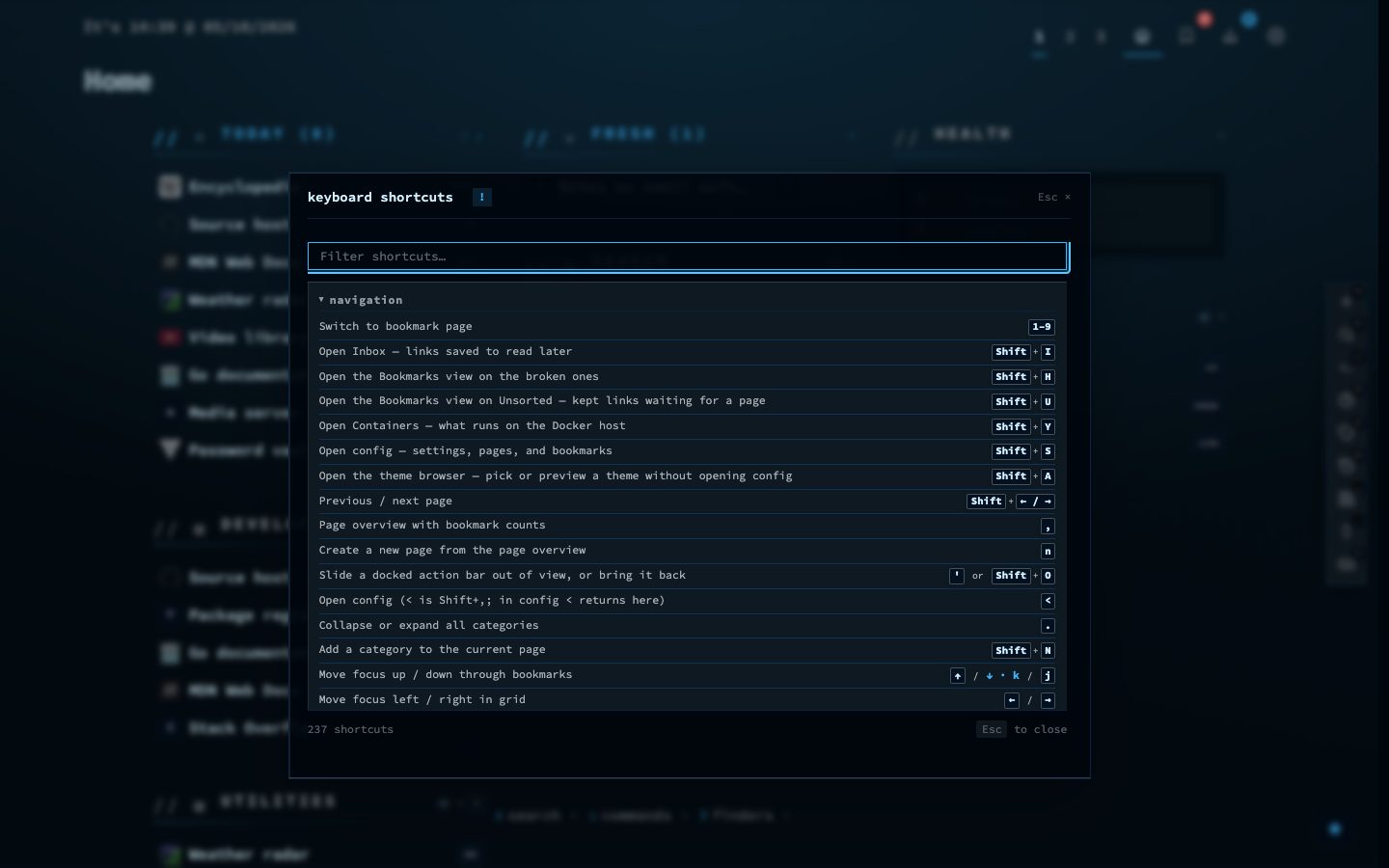
nextDash is built to be driven from the keyboard. Almost everything you do with a bookmark, a category or a page has a key, so you rarely need the mouse.
You do not have to memorise them. The cheat sheet lists every shortcut for the view you are in, and it is one key away.
Try it
- Open nextDash and press Shift + 1 to open the cheat sheet.
- Close it with Esc, then press Shift + B to add a bookmark.
- Use the arrow keys, or j and k, to move through your bookmarks and Enter to open one.