nextDash v1.25.0 — A backdrop for every theme, plus Tabs, Clock and sums in search
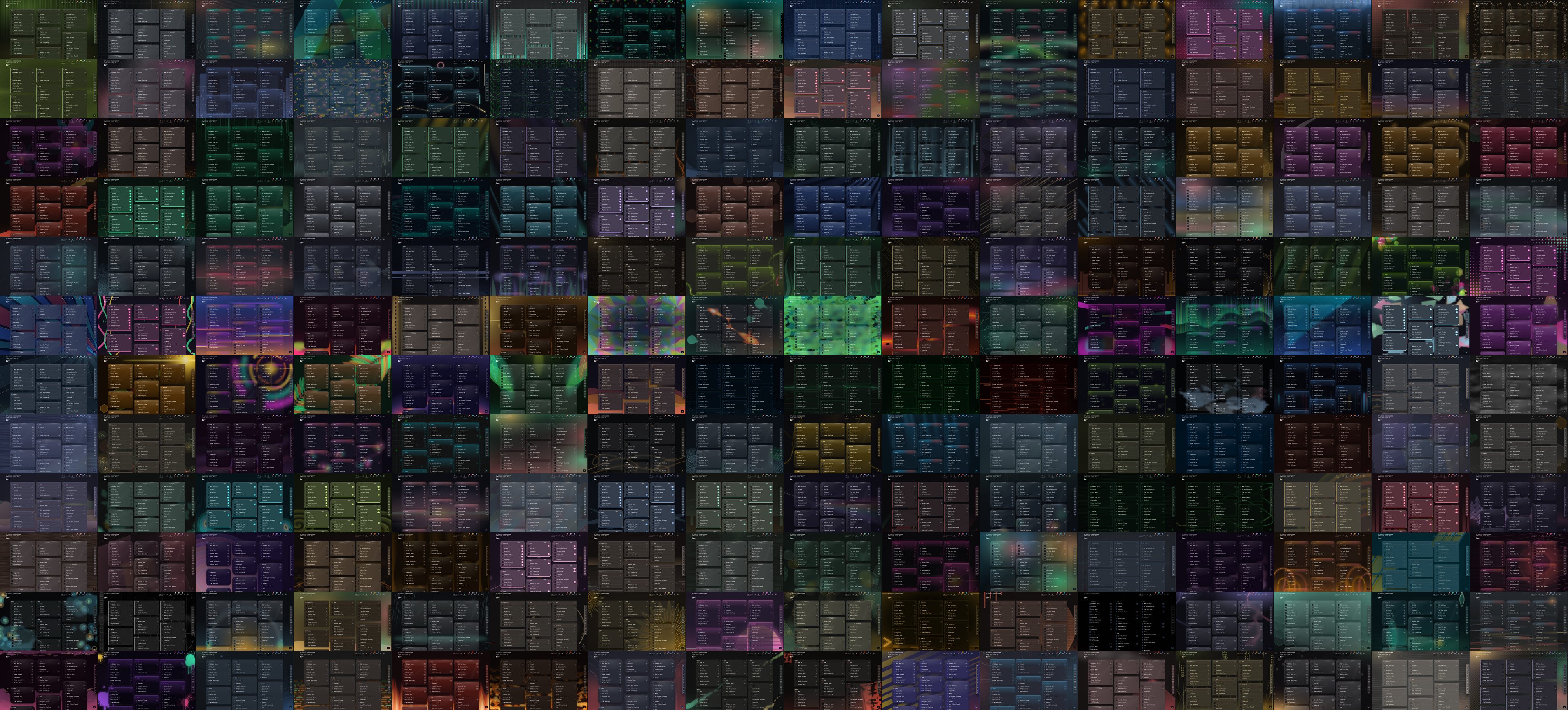
Every theme in nextDash now has a backdrop drawn for it: 266 recipes, painted in the colours of the theme that uses them, and a picker to browse them. The release also adds Tabs, Clock and Countdown widgets, a calculator in search and a list of everything you changed from the defaults.
A backdrop for every theme
Until now a theme borrowed its backdrop from a pool that belonged to its material. The first 75 recipes are still shared that way: every material has a pool of its own, and a theme picks from the pool of its material. The other 191 are drawn for one theme pair, one Look or Ocean, in that theme’s own colours.
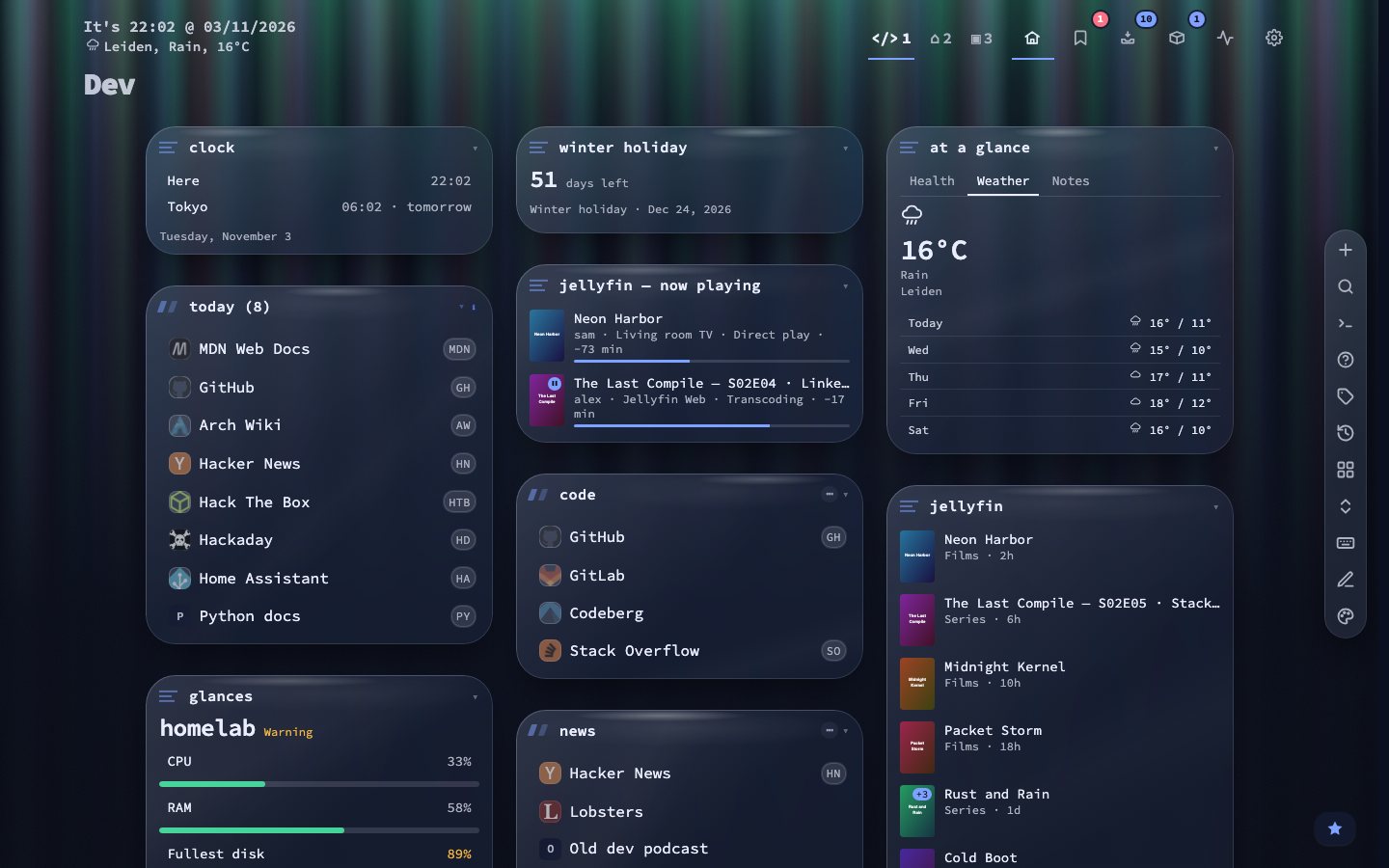
Aurora Glass is the theme a new install starts on, and it draws Curtains: bands of northern light behind a pane you can see through. Installs that already chose a theme keep it. The eight neutral themes pointed at an old shared recipe, so their new backdrops were never drawn. They draw their own now.
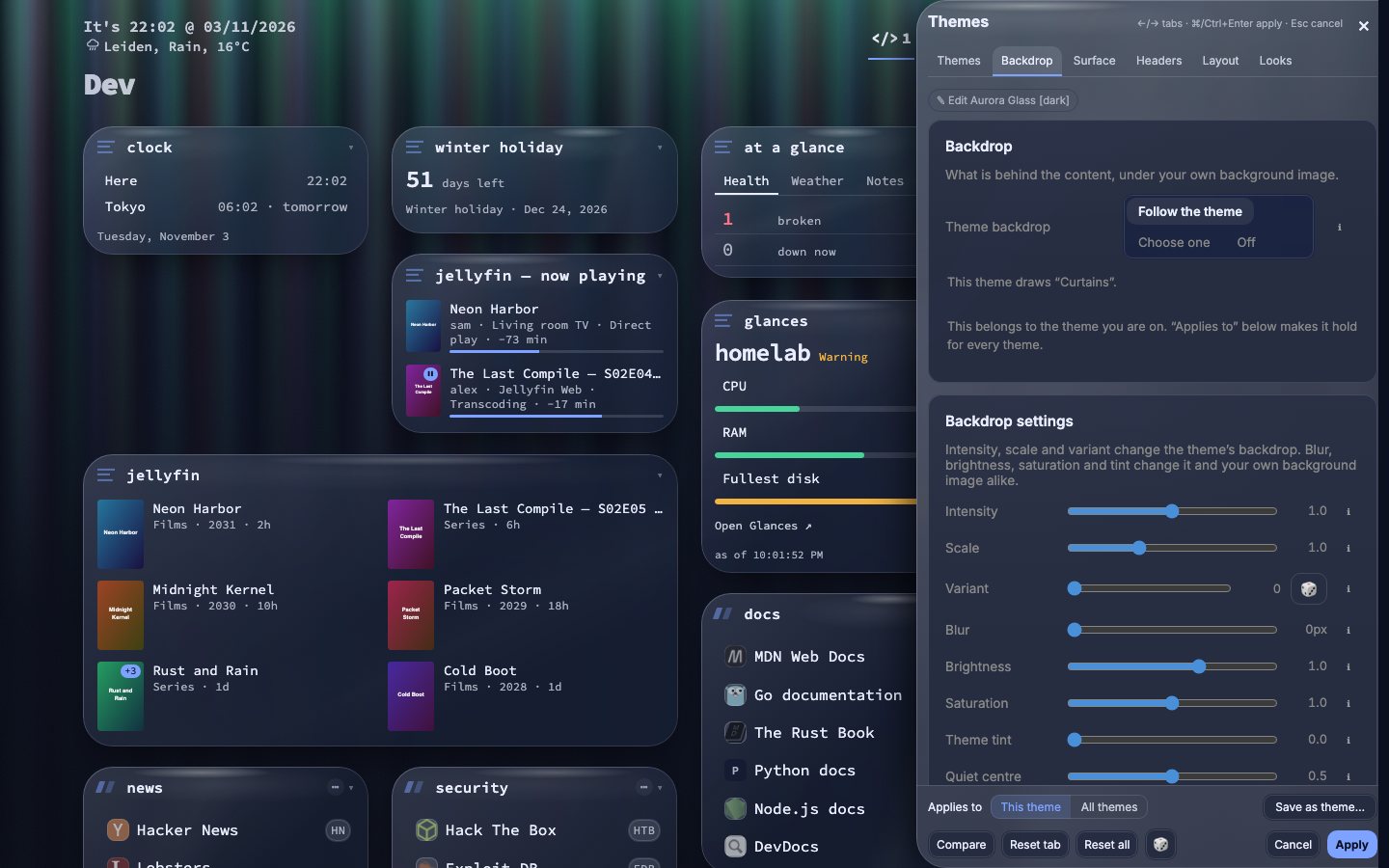
Choosing and tuning a backdrop
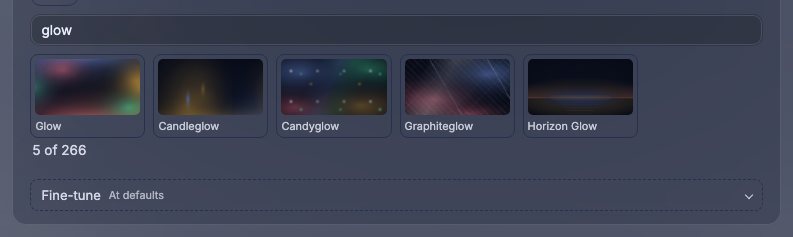
The picker starts short: This theme shows the theme’s own backdrop, Like it a few that look similar, and what you used lately. All backdrops (266) opens the whole library in groups (Patterns, Colour & glow, Fire & light, Nature & water, Sky & space, Materials, Paper & ink and Tech) with a search box.
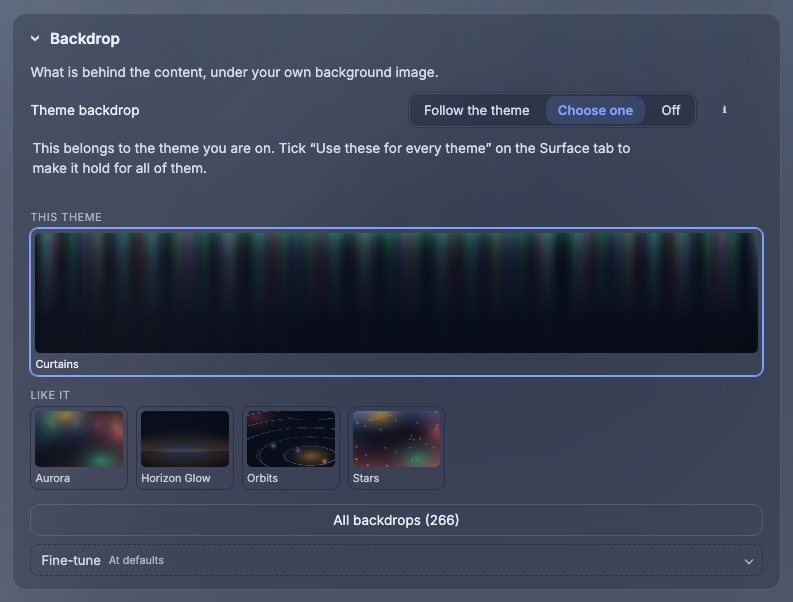
The settings that shape a backdrop now sit beside the backdrops in the theme studio: intensity, scale, variant, blur, brightness, saturation, theme tint and the quiet centre. Open the studio with Shift + A or :studio.
Widgets that do more
The Tabs widget puts several widgets of one page in a single tile, one tab each, up to six. Clock shows the time in any time zone, and Countdown counts the days to a date, or since it, and switches to hours and minutes in the last two days if you ask.
- Duplicate is in the widget menu and makes a copy with the same settings.
- Every widget can show only between two times of the day and on chosen days of the week (Show from, Show until and Show on under Advanced). An end before the start runs past midnight.
- The disk and memory widgets take their own amber and red limits, so a full archive disk need not be red.
- The media widgets, Beszel, Home Assistant and the Custom widget have Refresh now,.
Search, Config and tags
Type 15% of 240, 2+2*3 or 5 km in mi in the search panel and the answer is the top row. Enter copies it. Nothing leaves the browser, and a word, a shortcut, a date or a range such as 24/7 is never taken for a sum. Six commands are new, among them :news and :unsorted.
Config gets a list of what you changed from the defaults, with the value now and the default beside each and a Copy as text button. Every page keeps earlier layouts you can restore. Data & backups can import a Homepage, Dashy or Homer configuration. Tags can have a colour.
Smaller changes
- Online/offline status is on again for new installs. Loading state and ping times stay off.
- The weekly digest has charts, and the Statistics CSV includes the watched feed figures.
- The assistant draws tables and is asked for shorter answers.
- Config no longer moves while a setting is saved.
Upgrading
docker pull ghcr.io/jordibrouwer/nextdash:latest
# or
docker pull foobar1452/nextdash:latest
Unraid users: update the container from the Docker tab. The full list is in the GitHub Release.