nextDash v1.21.x — Glances, domain expiry and Berry
v1.21.x adds Glances: a page for the machines you run it on, and a widget for the dashboard. Domain registrations get a countdown, and Berry becomes the starting theme.
Glances, as a page
If you run Glances on your hosts, nextDash now has a page for them. Press Shift+G, or use the icon in the header. Overview, Processes, Containers, Disks, Network, Insights, History and Alerts are sections, and Hosts lists every host in one table.
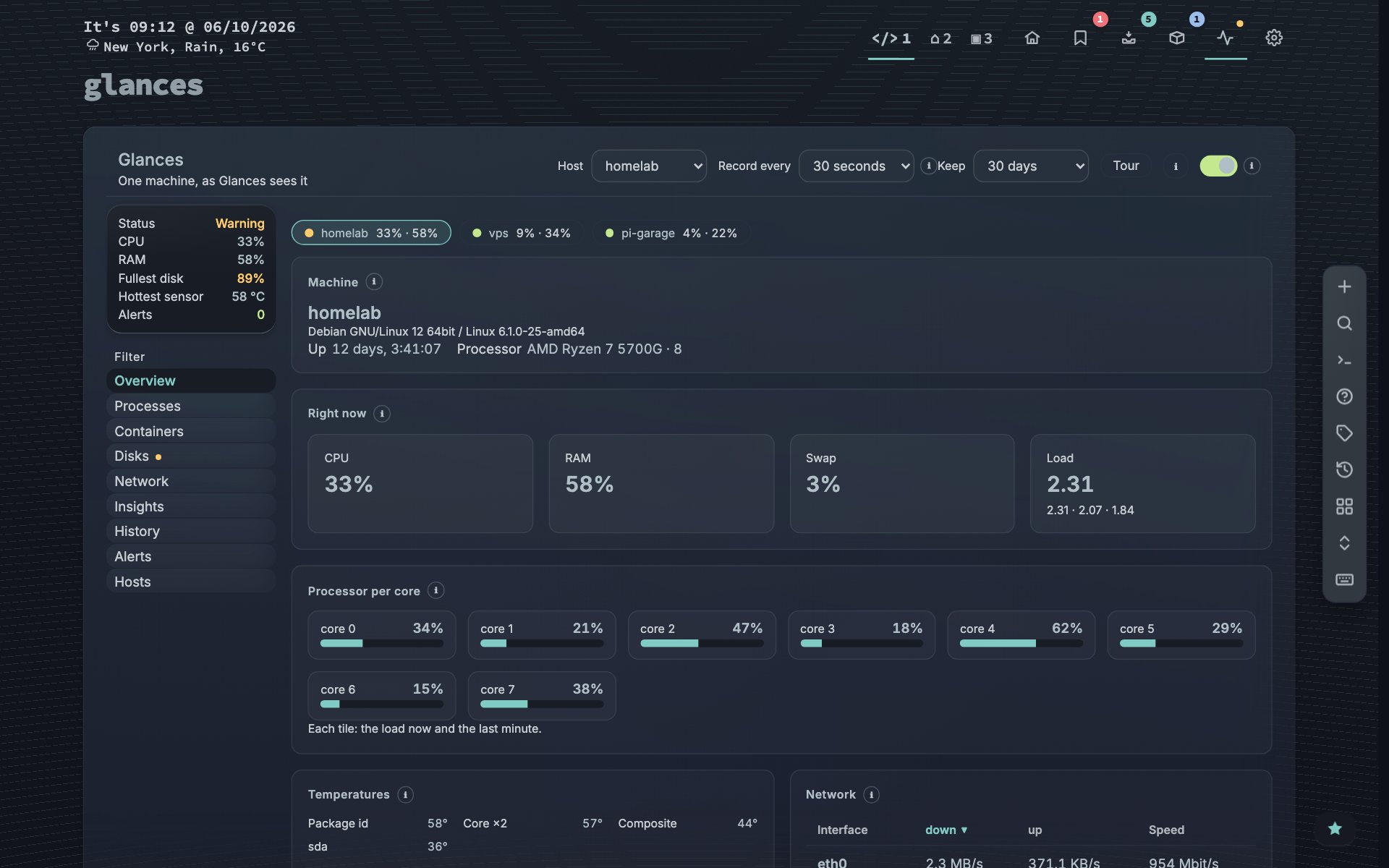
Click a process or a container and a side panel opens with its history and actions. nextDash records the readings itself, so History can compare with last week and name the cause of an incident. A notice warns when a disk is filling up. The Containers view now reads CPU, memory and network from Glances on your Docker host.
One host on the dashboard
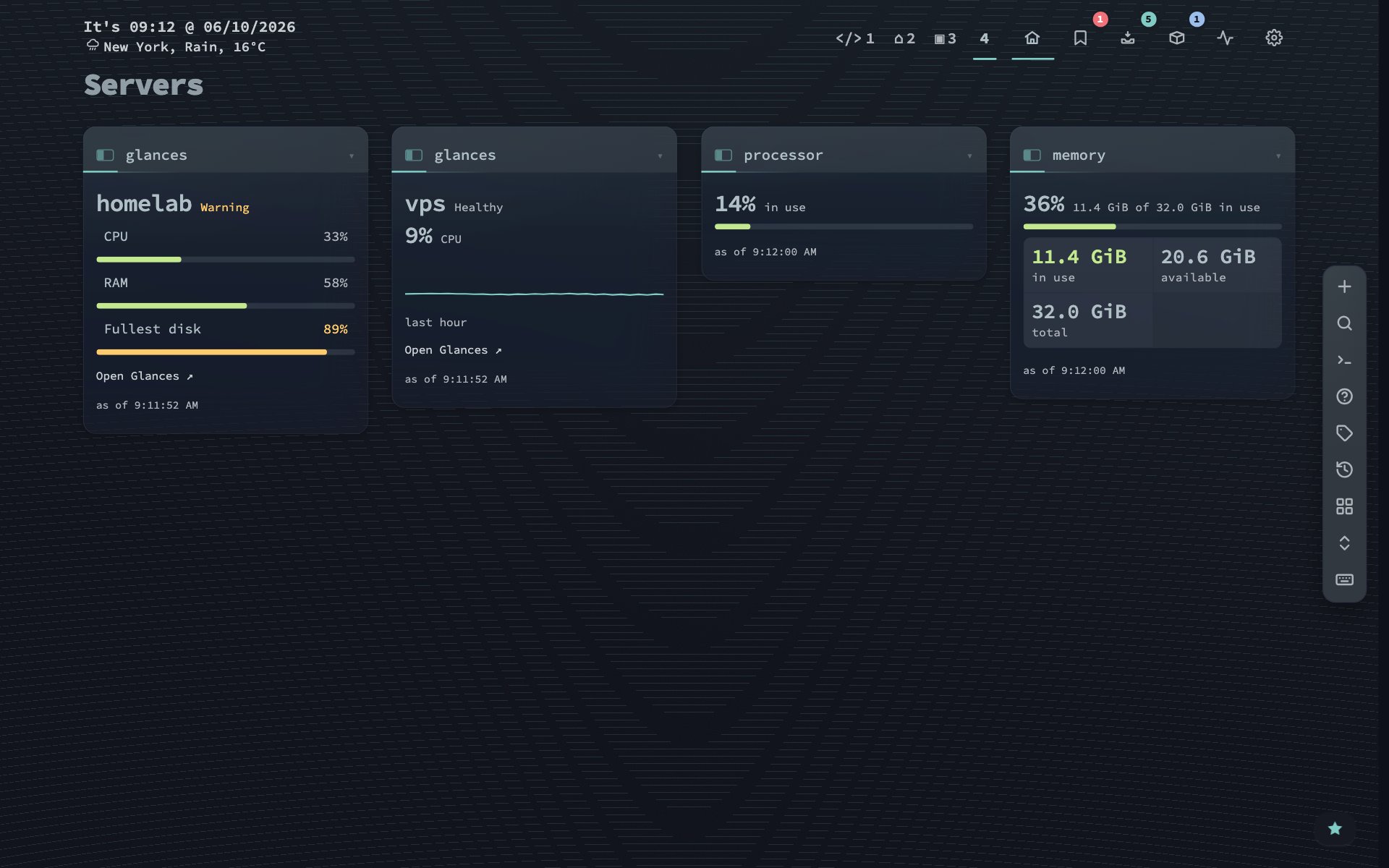
The Glances widget shows one host as meters, or as the processor graph over the last hour, and links to its page. That makes 48 kinds of widget.
Domain expiry
A domain is one more thing that quietly runs out. A widget, a badge in Bookmarks and an alert now tell you when a registration expires. The dates come from RDAP and are grouped by the registered name, so nas.example.com and www.example.com are one line.
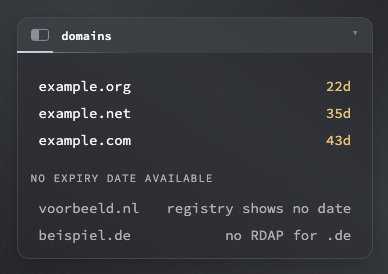
Some registries publish no date: .nl leaves it out, and .de and .io have no RDAP. I list those in a group of their own. A list that only counted the dated ones would look like a clean bill of health for the rest.
Berry
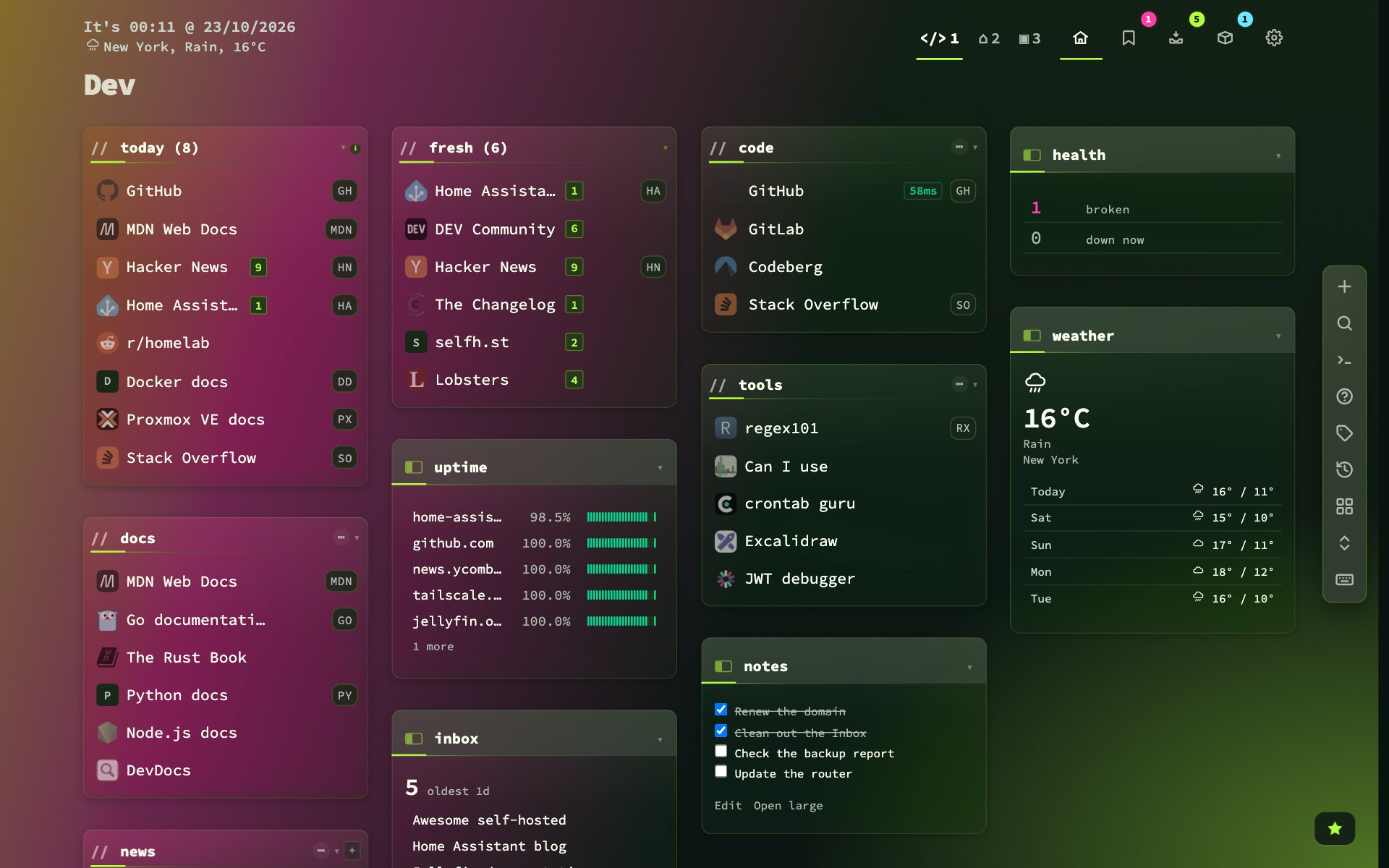
A new install starts on Berry instead of Confetti. If you are on another theme, a card offers Berry once, and Go back undoes it. Your own theme stays as it is.
Smaller changes
- Right-click a category’s header and Add new bookmark opens the form on that category.
- A search keeps the first letter as you typed it, and Escape leaves the bookmark grid, so j and k are letters for the search again.
- Uploaded SVGs are served under a sandboxed policy, and an oversized settings body answers 413.
Upgrading
docker pull ghcr.io/jordibrouwer/nextdash:latest
# or
docker pull foobar1452/nextdash:latest
Unraid users: update the container from the Docker tab. No configuration changes are needed. Full notes are in the GitHub Release.