Custom widgets
since v1.4 · 27 Aug
Your apps at a glance: AdGuard, Sonarr, SABnzbd, Jellyfin and more.
The Custom widget turns what a service already reports into a tile on your dashboard. Pick one of 41 ready-made services, give it the address and, where needed, a key, and the tile shows the numbers that matter: queue size, blocked queries, who is watching, what is downloading.
Services come in groups. Media and downloads: Sonarr, Radarr, Lidarr, Prowlarr, Bazarr, Whisparr, Seerr, Tautulli, Jellyfin and Emby, Plex, Immich, PhotoPrism, Komga, Jellystat, Mylar3, LazyLibrarian, NZBHydra2, qBittorrent, SABnzbd and NZBGet. Network: Pi-hole, AdGuard, Traefik, Speedtest Tracker, Nginx Proxy Manager and Tailscale. System: Proxmox, Glances, Syncthing and Duplicati. Monitoring: Uptime Kuma, Gatus, Beszel, Netdata, Scrutiny and Healthchecks. And Nextcloud, Paperless, Home Assistant, Grafana and ntfy.
It signs in for a token where a service hands one out, can count the entries in an answer, and shows percentages on the right scale. Not on the list? Point it at any address that answers with JSON and choose the fields to show.
Try it
- Open Config, then Widgets, and add a Custom widget.
- Pick a service, for example AdGuard or Sonarr.
- Fill in the address and key, test it, and place the tile on a page.
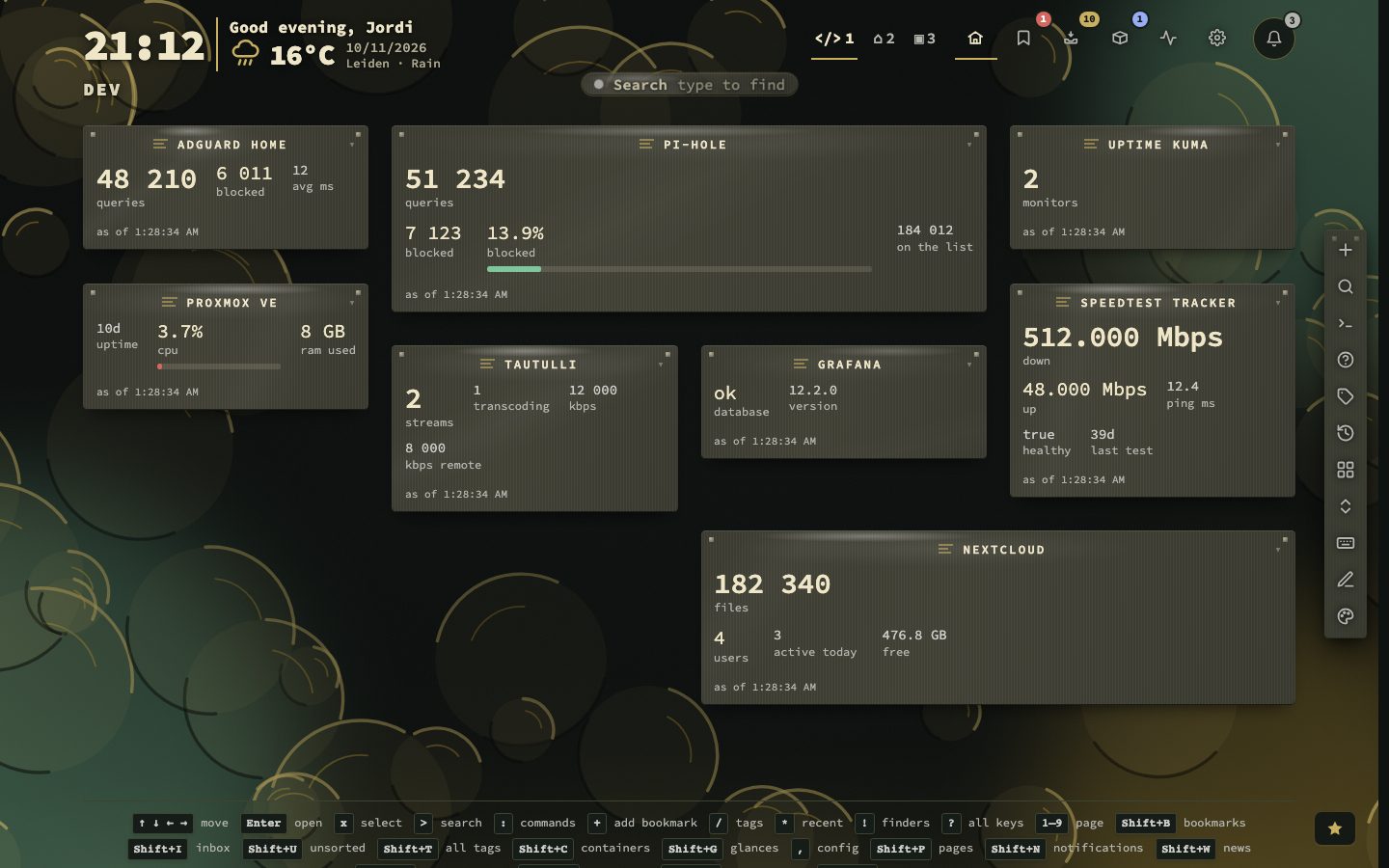
From an empty tile to a working one
The Custom widget only reads. Your server makes the request, so a key never reaches the browser, and a machine on your network works as long as private addresses are allowed, which they are by default. A preset fills in the address, the figures, the sign-in type and the refresh interval, and a notice says what is left to do.
- 1Press Add widget in Config, then Widgets, and choose Custom
- 2Pick a service, or leave it empty for one that is not listed
- 3Replace the sample host in the address and keep the path
- 4Choose how to sign in and paste the key
- 5Press Ask now and read the Found column
- 6Press Save changes
Ask now makes the request with what is in the panel at this moment, including a key you only just typed, and shows three things: what came back, what the tile would show, and the method, host, status, time and size of the request. Nothing is saved by asking. Keep watching repeats it every 5, 10, 30 or 60 seconds for up to five minutes, which helps while you watch a figure move. Until you press Save changes, the tile does not change.
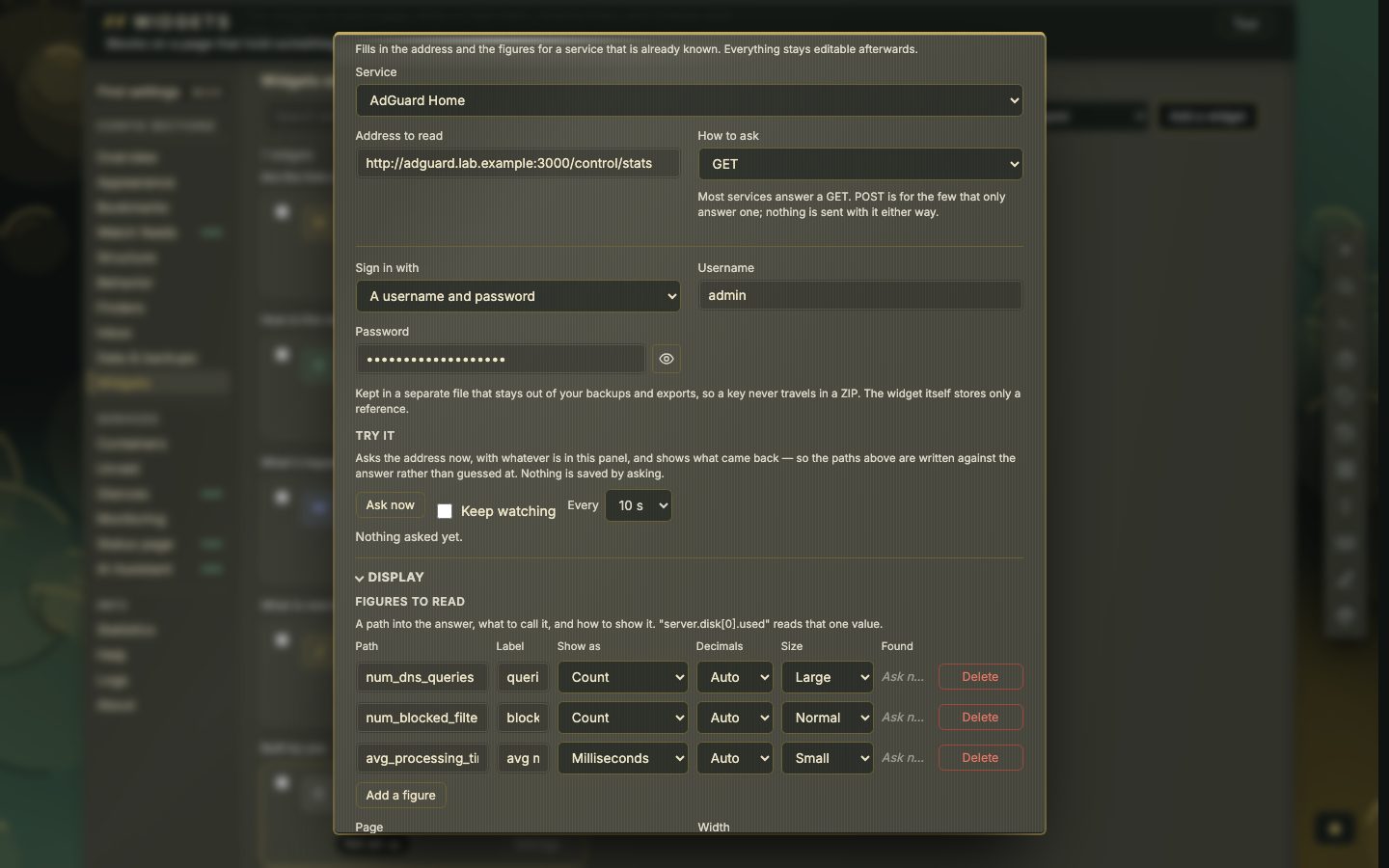
How a figure is found
A path names one value in the answer. Dots walk into objects, [0] picks a list entry by position, [-1] the last one, and a # at the end counts. A filter in square brackets picks entries by a value. Take a made-up service that lists jobs, some of them failed: this path counts the failed ones.
Paths are case-sensitive. A path names exactly one value, and there is no arithmetic: no adding, no dividing, no free space as a share. A path that matches nothing says not found and the tile shows a dash, never a zero.
Show as then decides how the value is written: a count, a size in bytes, a data size counted in the unit you pick, a speed, power, a temperature, a percentage on a 0 to 100 or a 0 to 1 scale, a duration, a time ago, or plain text. A figure can be drawn normal, large, small or, for a percentage, as a bar.
- 42presets
- 8figures per tile
- 20rows in a list
Signing in
The widget offers up to six ways, depending on the service: nothing, an API key in a header, a key in the address, a sign-in that nextDash keeps and renews, a plain username and password, or a sign-in already saved by another widget. Secrets live in their own file that only the account nextDash runs as can read, and they are left out of backups unless you include stored tokens. A sign-in is not sent on when the service redirects the request to another host.
When it shows nothing
Press Ask now first. The status and the answer are usually the whole explanation.
- A dash and not found. The path does not match. Search what came back for the value and copy its path. A service that renamed a field after an update shows up this way.
- 401 or 403. The sign-in was refused. Check the key, the header name and the word before the token, such as
Bearer. - No answer from that address. Nothing answered within eight seconds. It is your server that asks, not your browser, so in Docker
localhostis the container itself. Use the machine’s address. - A web page, not JSON. The address names a web interface. Add the path of the service’s API.