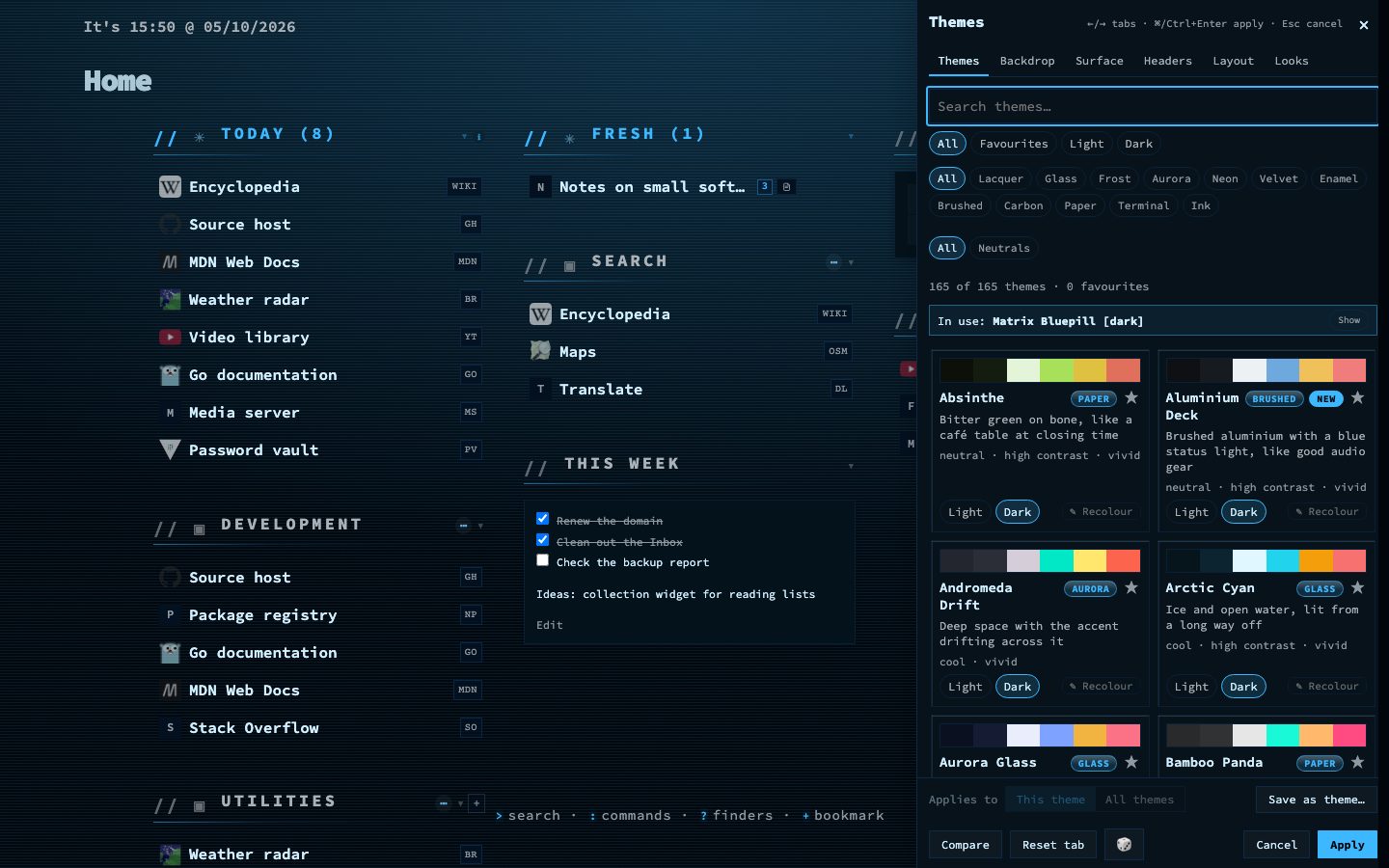
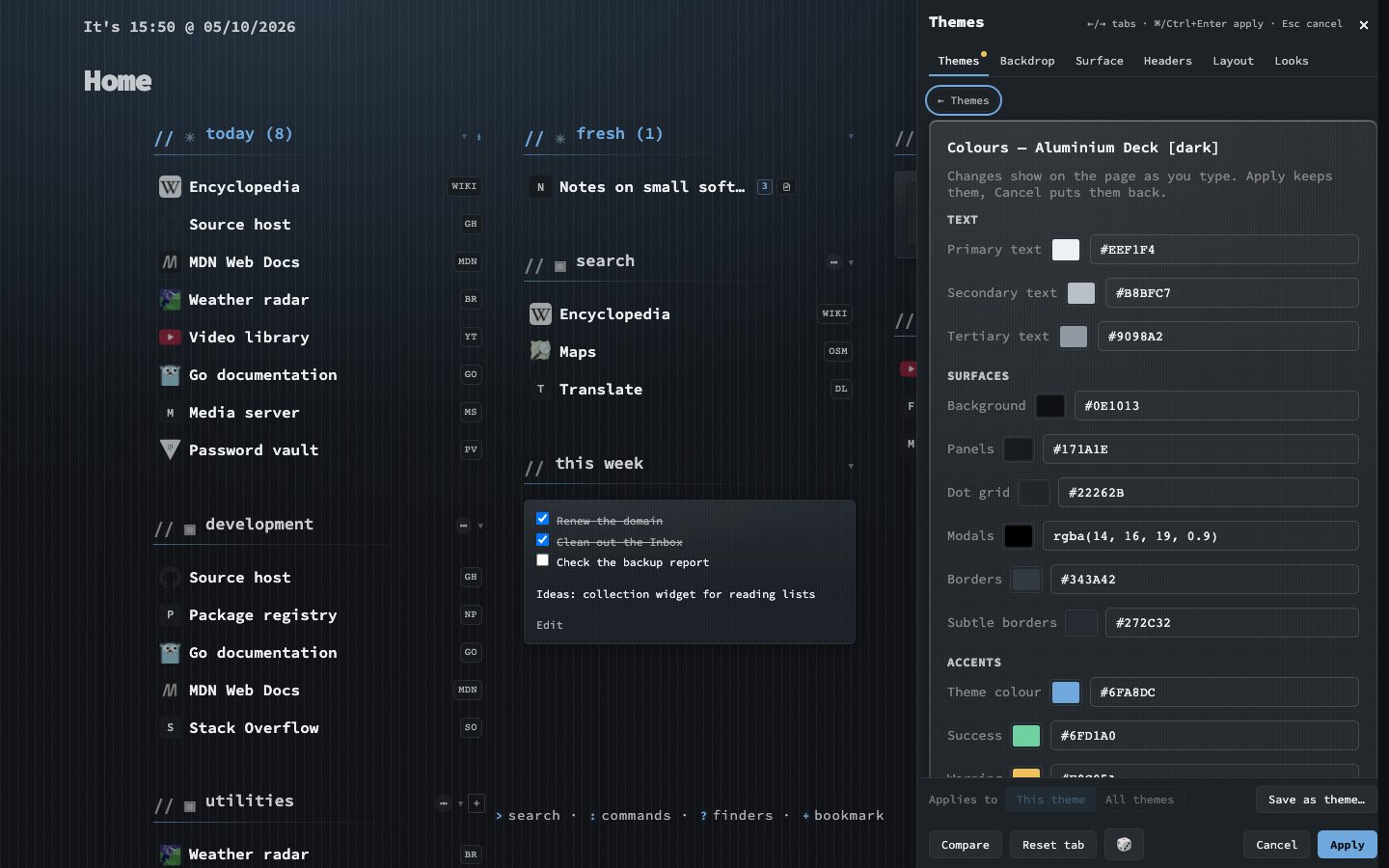
The theme browser is a panel beside your dashboard, so every change shows on the real page while you make it. It holds more than 160 theme families, each in light and dark, with twelve characters, 26 backdrops and twelve ready-made looks. Nothing is stored until you press Apply.
Search by name, character or mood, keep favourites, and point at a card to preview that theme at once. Hold the backslash key to compare with what you had.
The theme editor is built in. Recolour any theme, or build one of your own. Save what is on screen as a theme with Save as theme, and it joins your own themes at the top of the list.
Try it
- Press Shift + A on the dashboard.
- Move over the cards and watch the page change.
- Press e on a card to recolour it, then Apply, or Esc to put everything back.