There is no database. Your whole installation is a folder of JSON files you can read in a text editor, copy to a USB stick or put in git: bookmarks per page, settings, your own themes, the inbox, the trash, health history, icons, local copies and automatic backups.
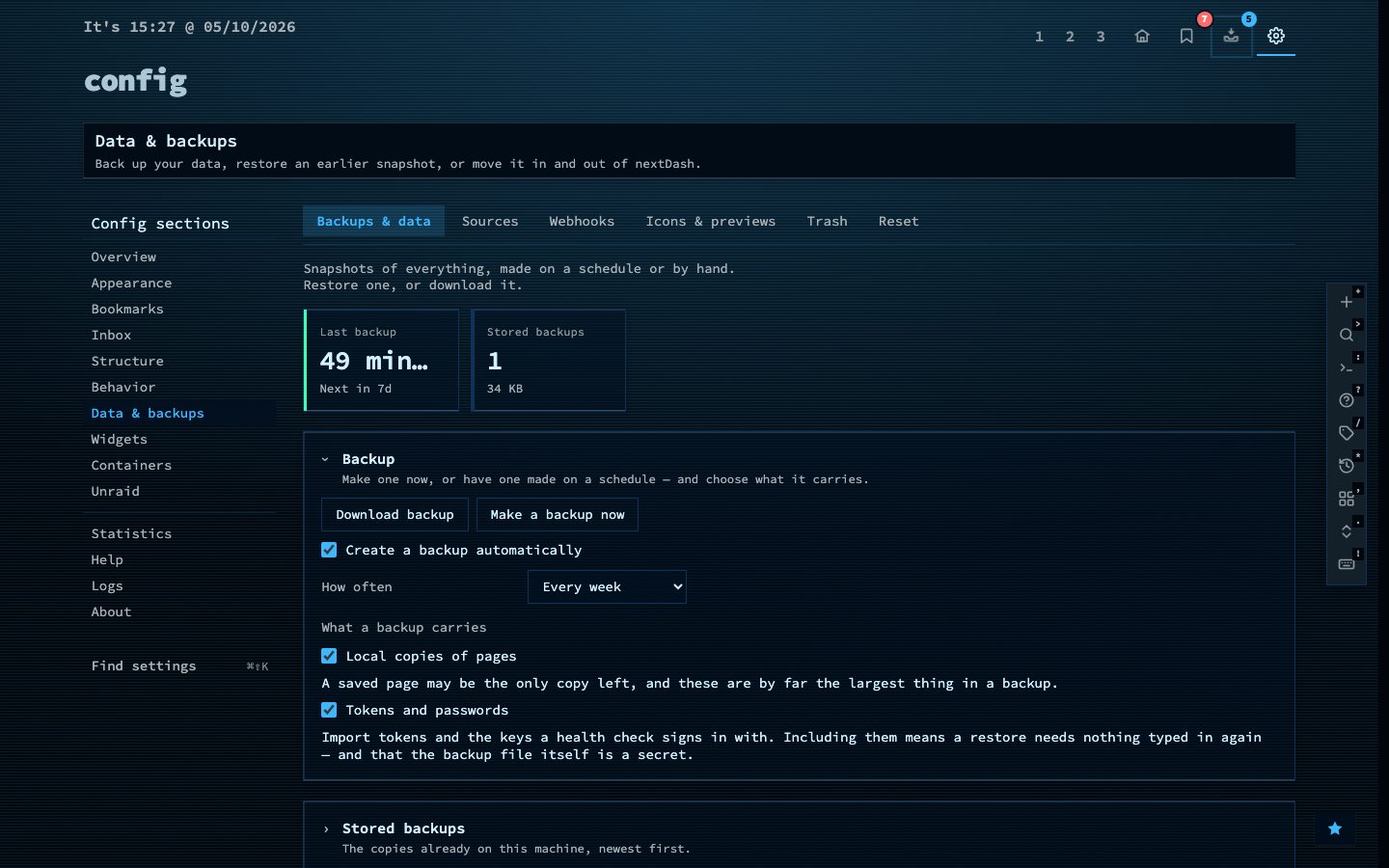
A backup carries the whole data directory. Two switches let you leave out the largest and most sensitive parts, local copies and stored tokens. Exports are available in several formats, so you can always take your bookmarks elsewhere.
Try it
- Open Config, then Data and backups.
- Download a backup, or export your bookmarks.
- Look inside the
datafolder next to your compose file.